



How to Send Files via Email Using Transfer
48 views · updated 1 day ago
1. Navigate to https://transfer.bimeta.net/home

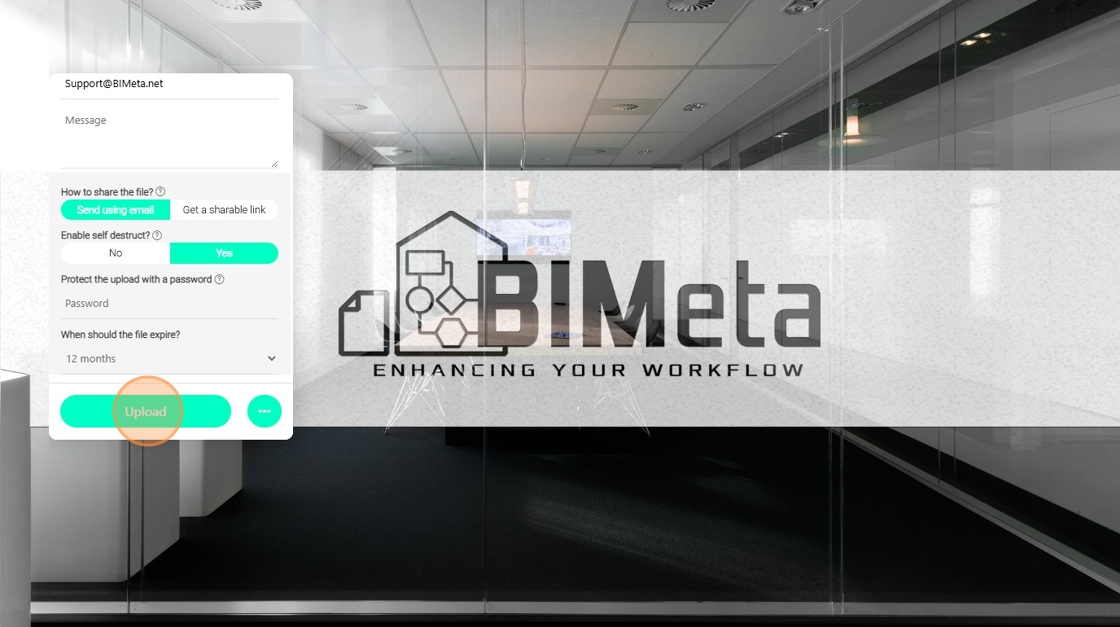
2. In the event that you would like to email your link directly to a user, you can click on the three dots.

3. Add the files that you need and select "Send using Email".

4. Enable self destruct if you would like, in which case the link will no be longer be valid after a certain amount of time.

5. You can select up to the "12 months" option on some of our plans.

6. And then click on the Upload Button
Was this article helpful?
Share