



How to Add an Event to Your Calendar
34 views · updated 1 day ago
1. Navigate to https://startup.bimeta.net/calendar
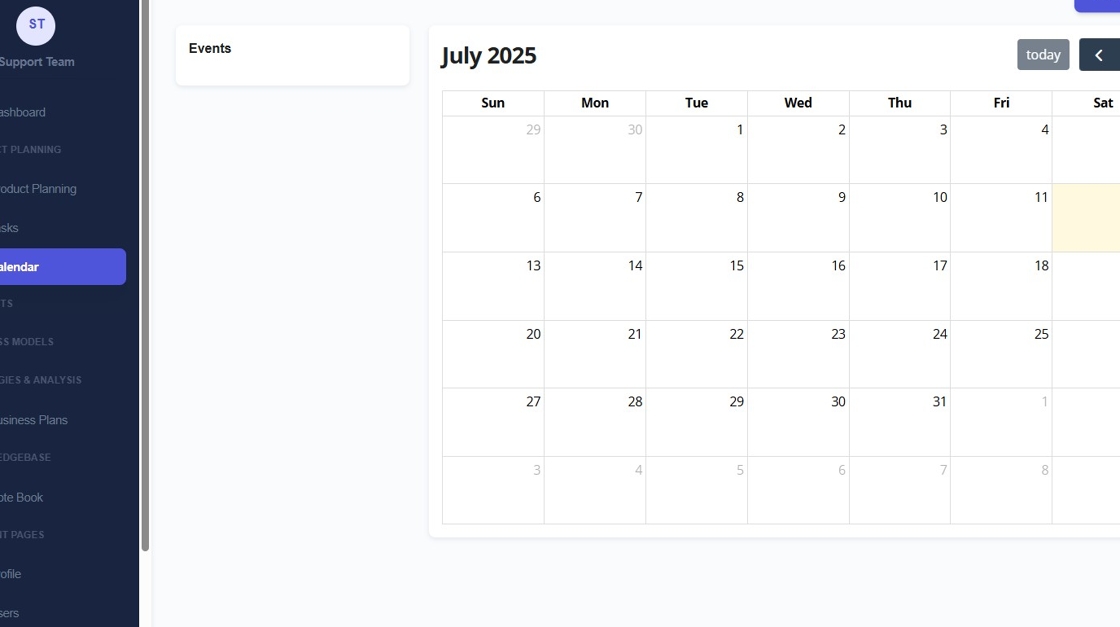
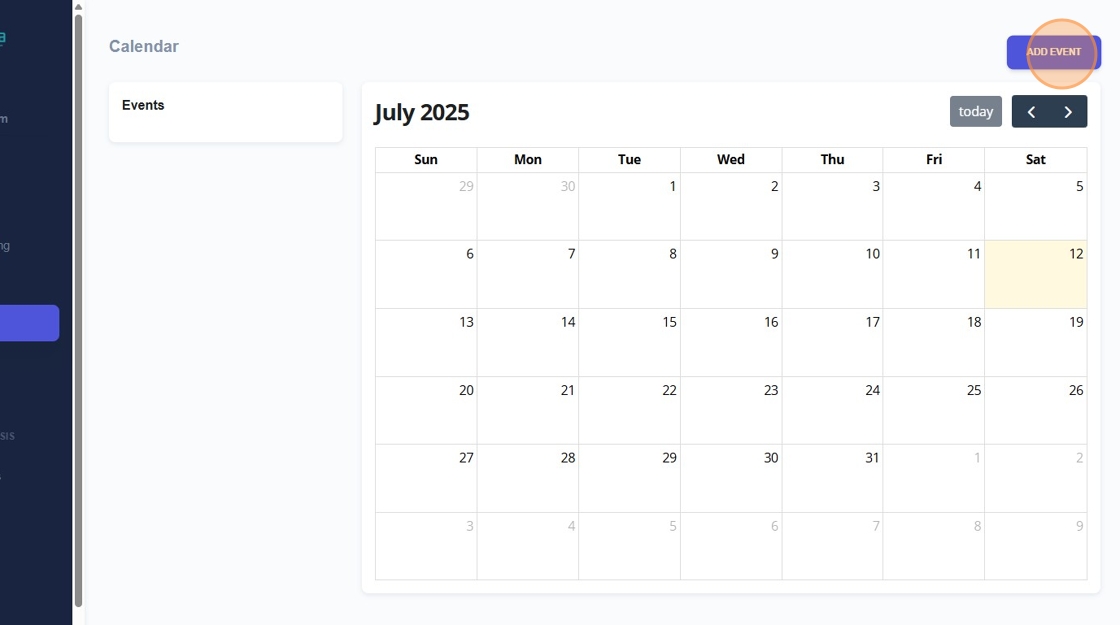
2. If you want to add an event to a calendar, you can click on calendar. then click add event.
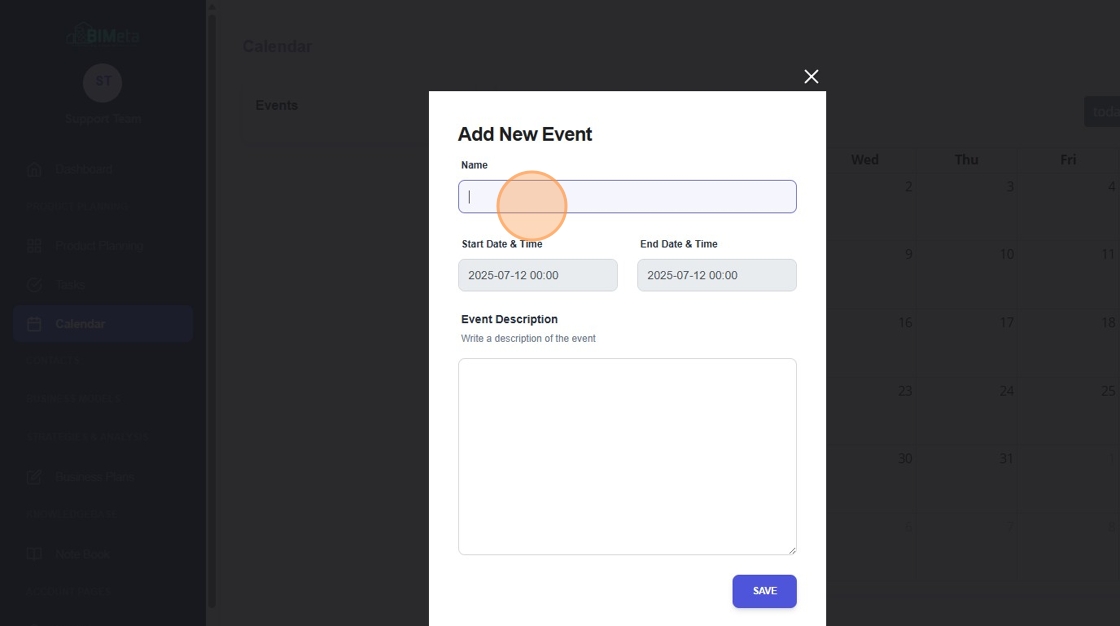
3. Put the name of the event in.
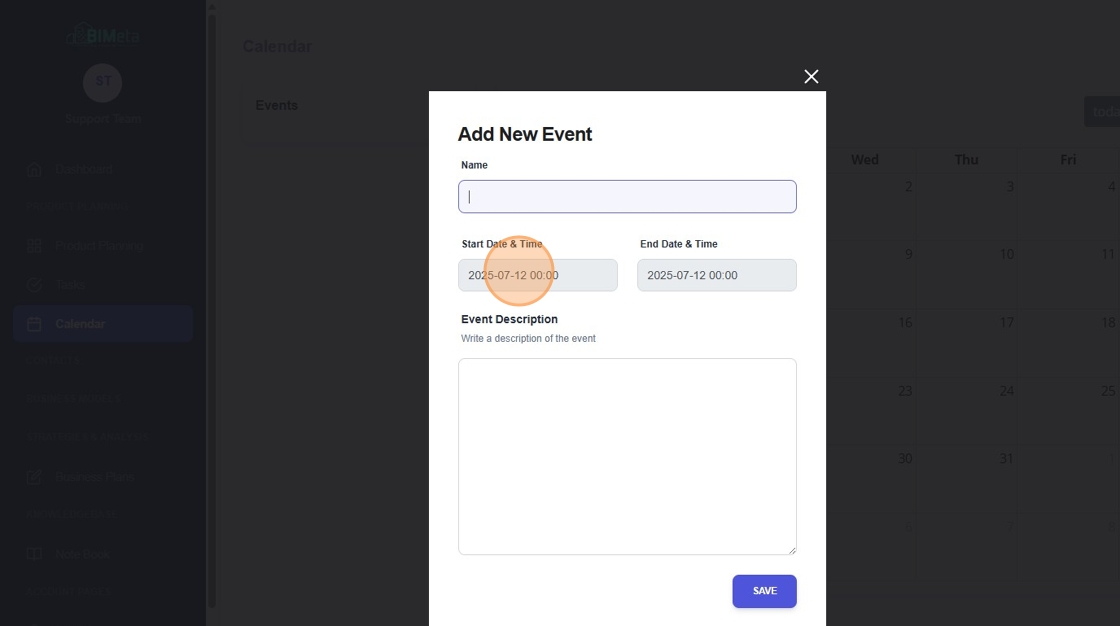
4. Select a Start Date & Time.
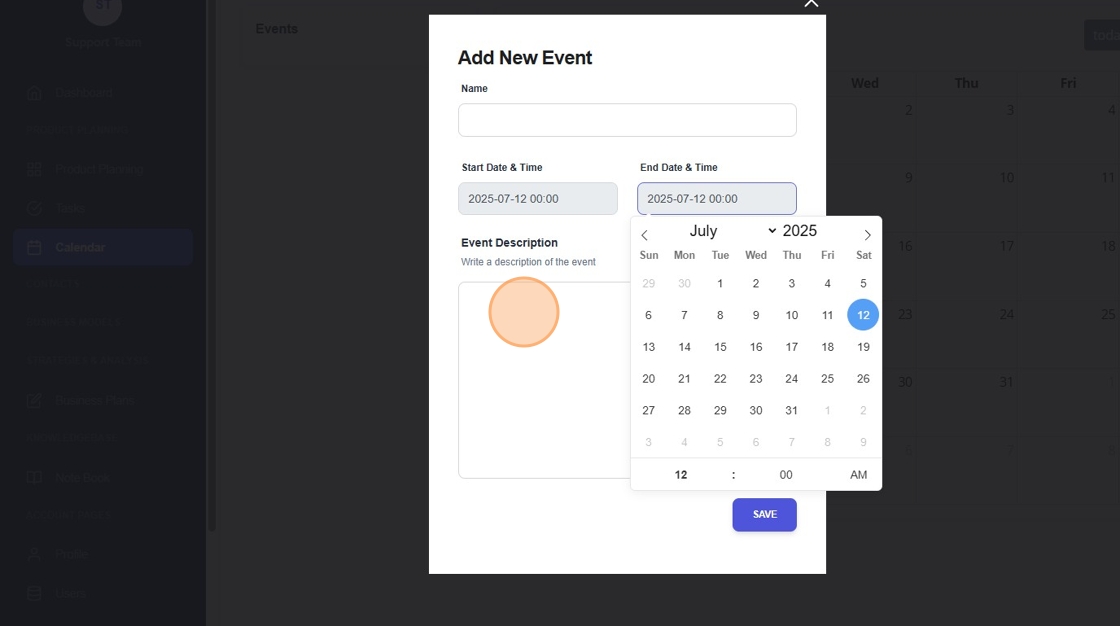
5. Select an End Date & Time.
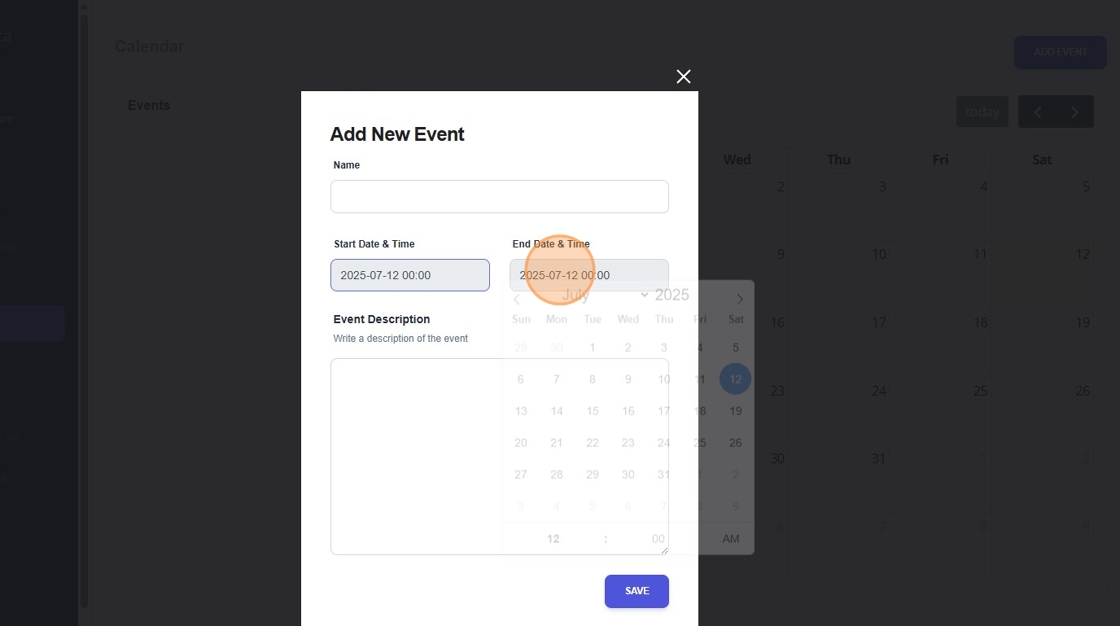
6. Add the event description right in the box below. Click on save once you have that information, and it will be added right into your calendar.
Was this article helpful?
Share