



How to Add a Task on Startup Page
33 views · updated 1 day ago
1. Navigate to https://startup.bimeta.net/dashboard
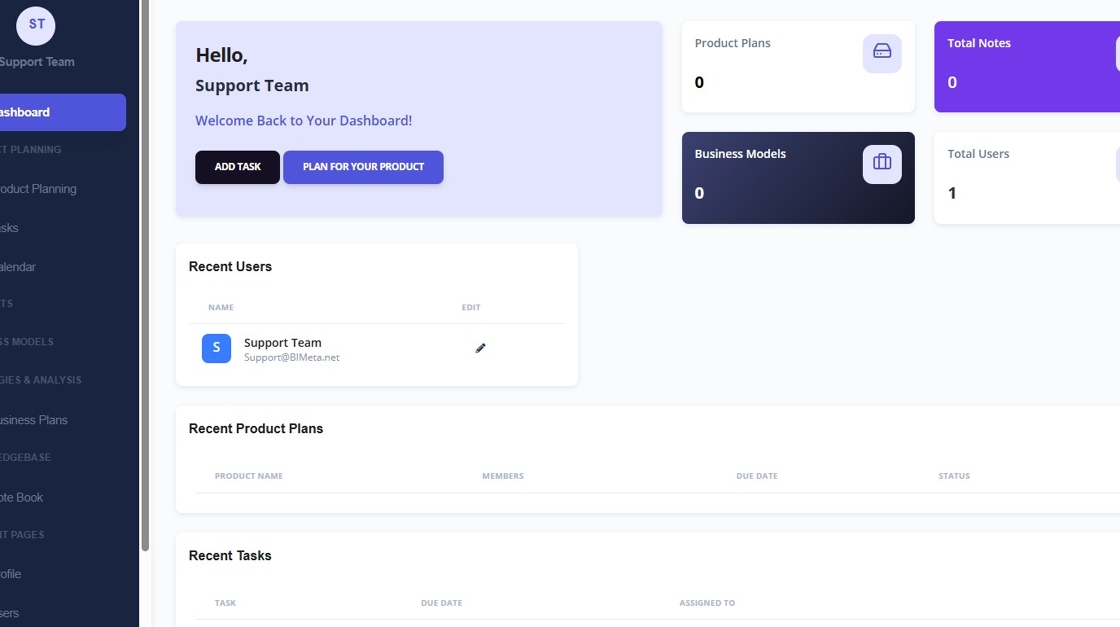
2. Click "Add Task"
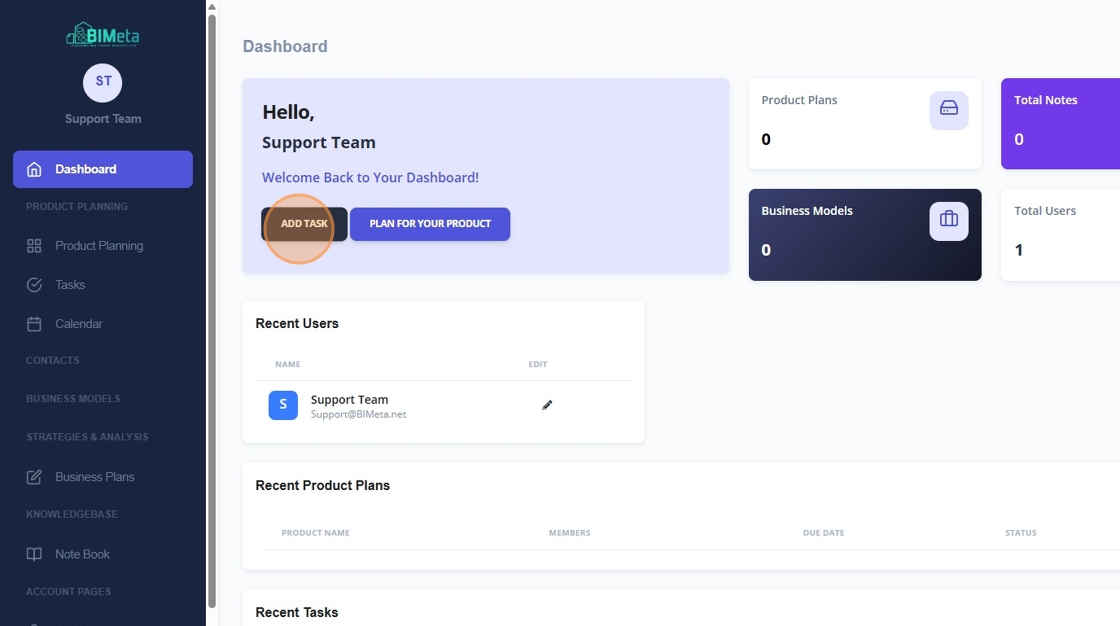
3. Click "Add Task"
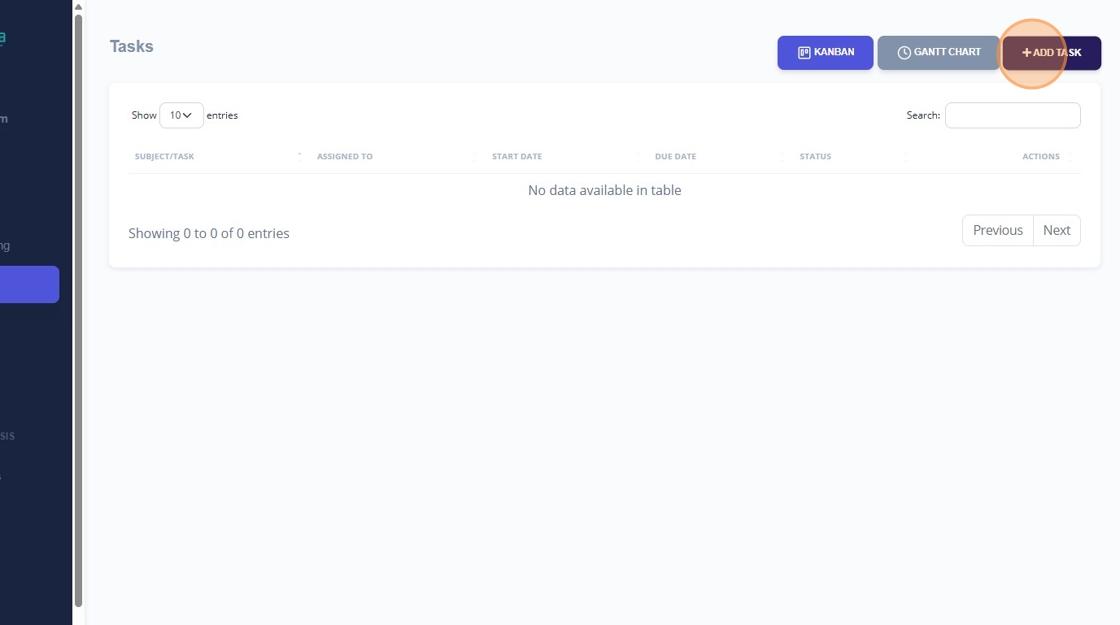
4. Click this text field.
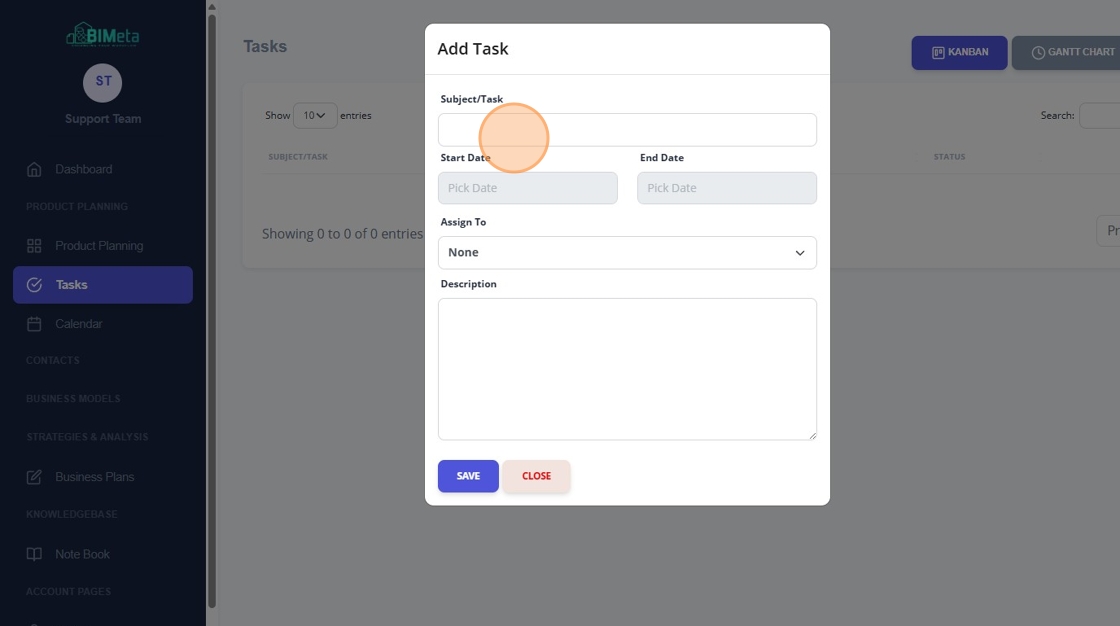
5. Click the "Pick Date" field.
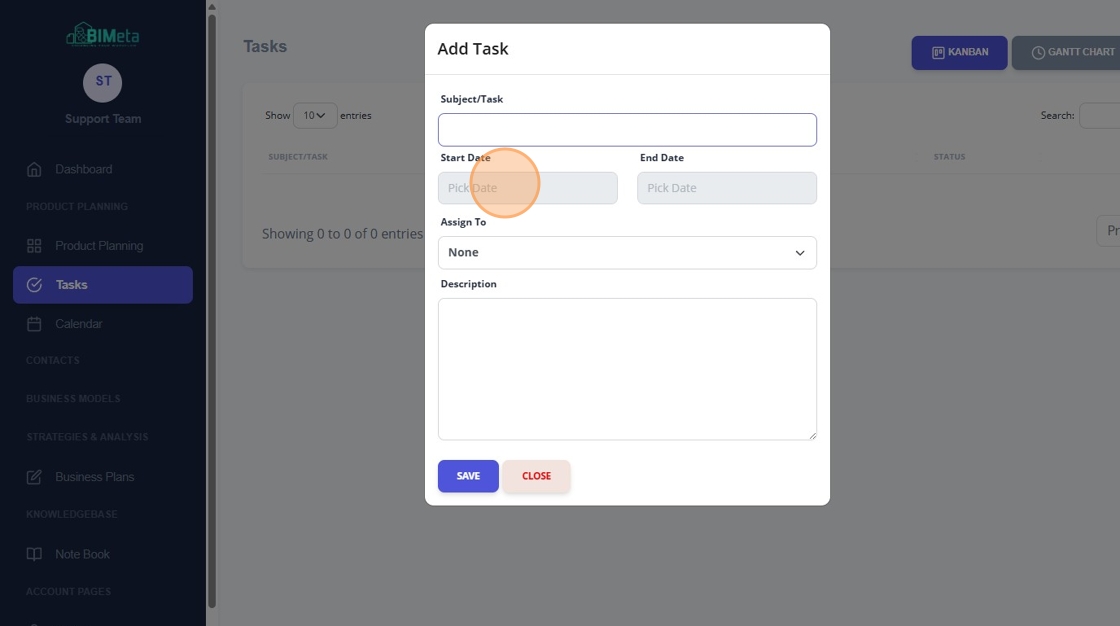
6. Click the "Pick Date" field.
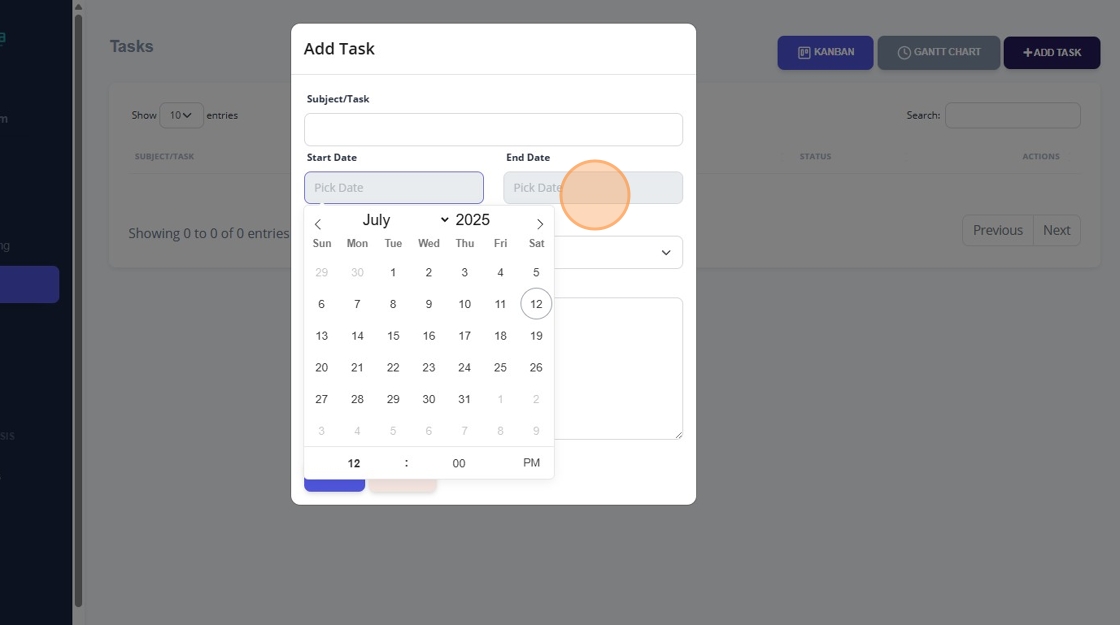
7. Click this dropdown.
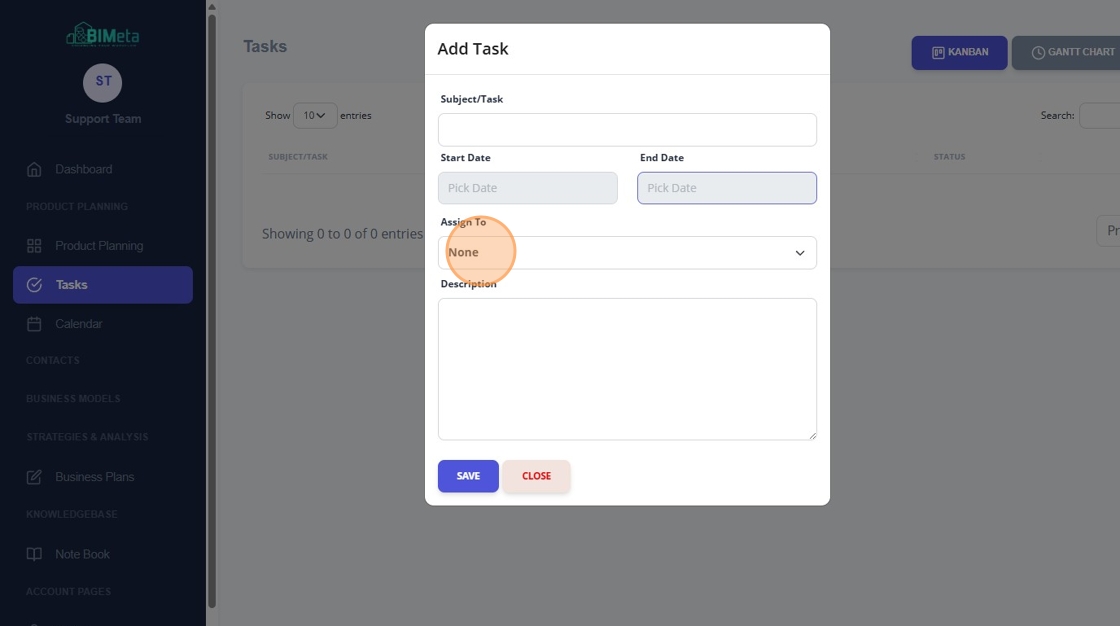
8. Click this dropdown.
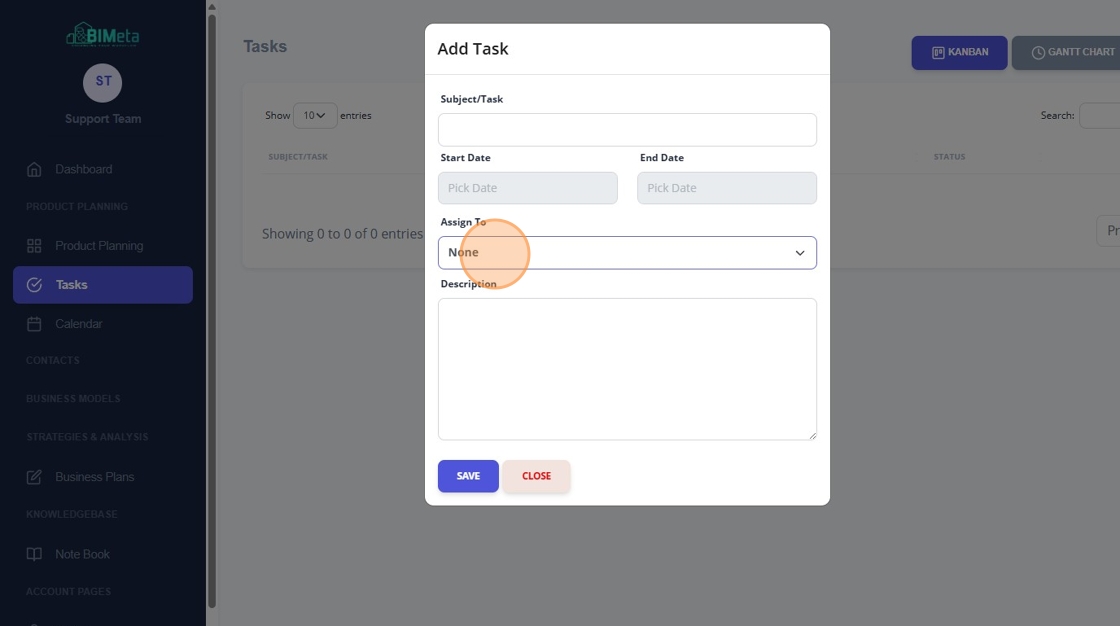
9. Click this text field.
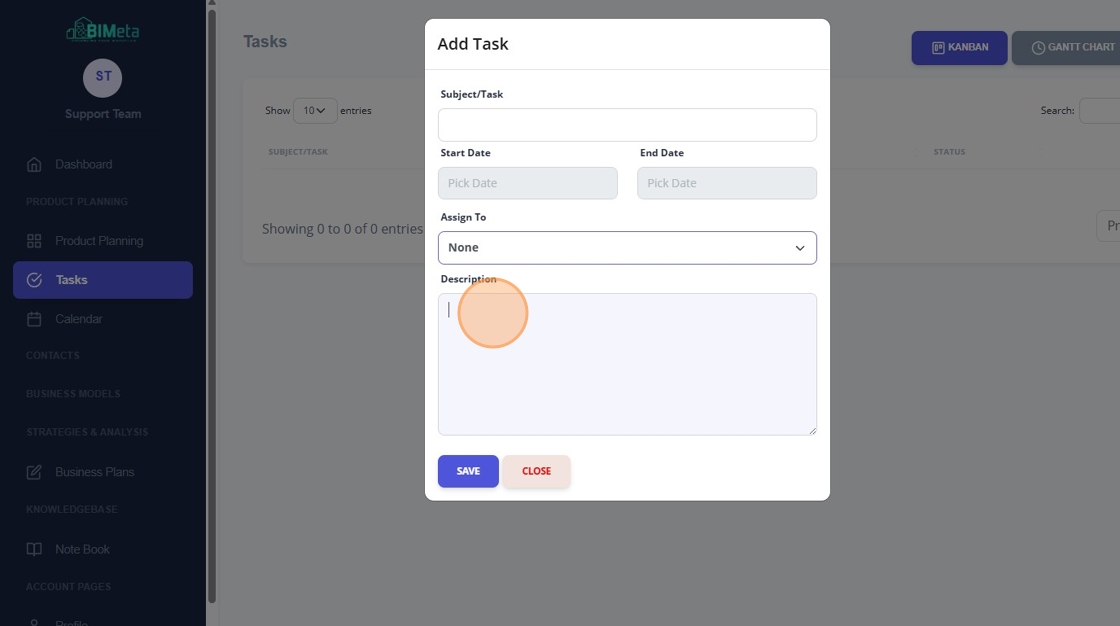
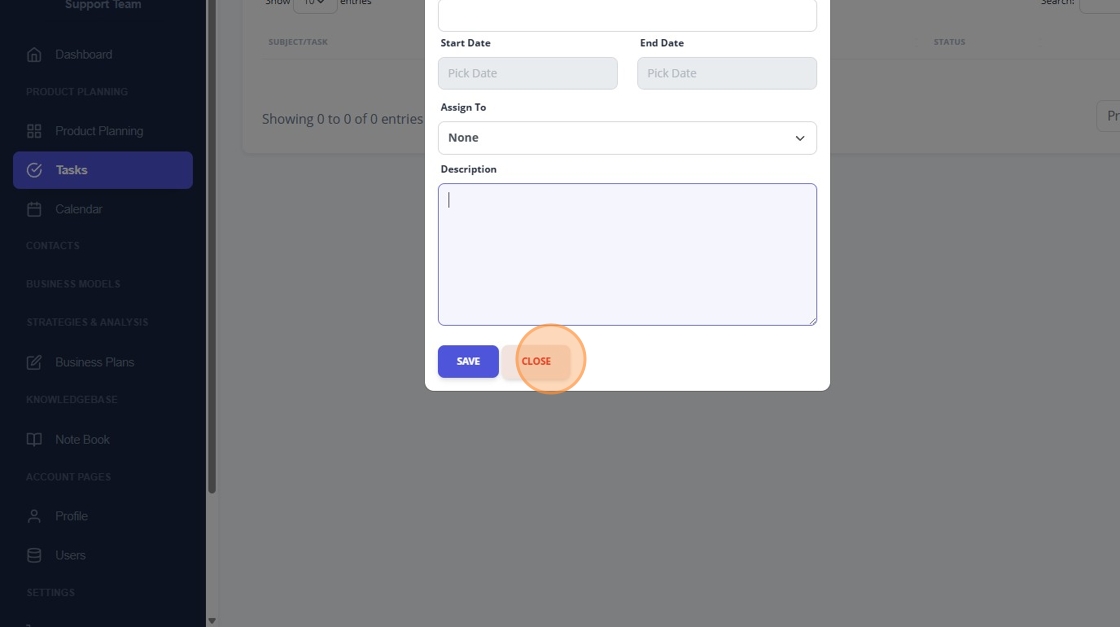
10. Click "Close"
Was this article helpful?
Share