



Designing a Business Model on Startup Canvas
39 views · updated 6 hours ago
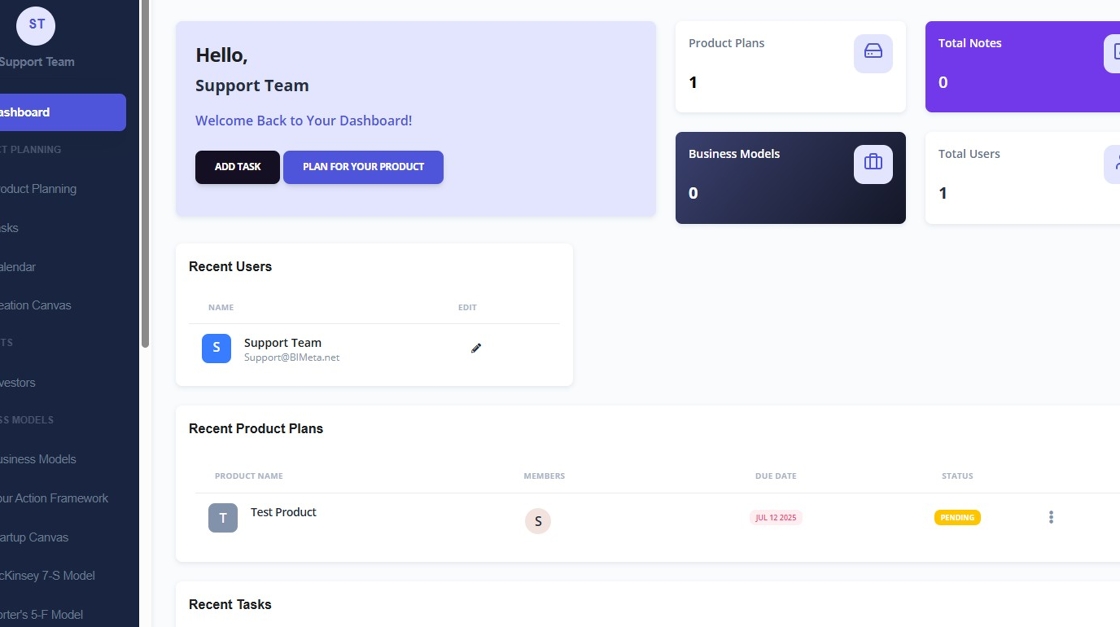
1. Navigate to https://startup.bimeta.net/dashboard
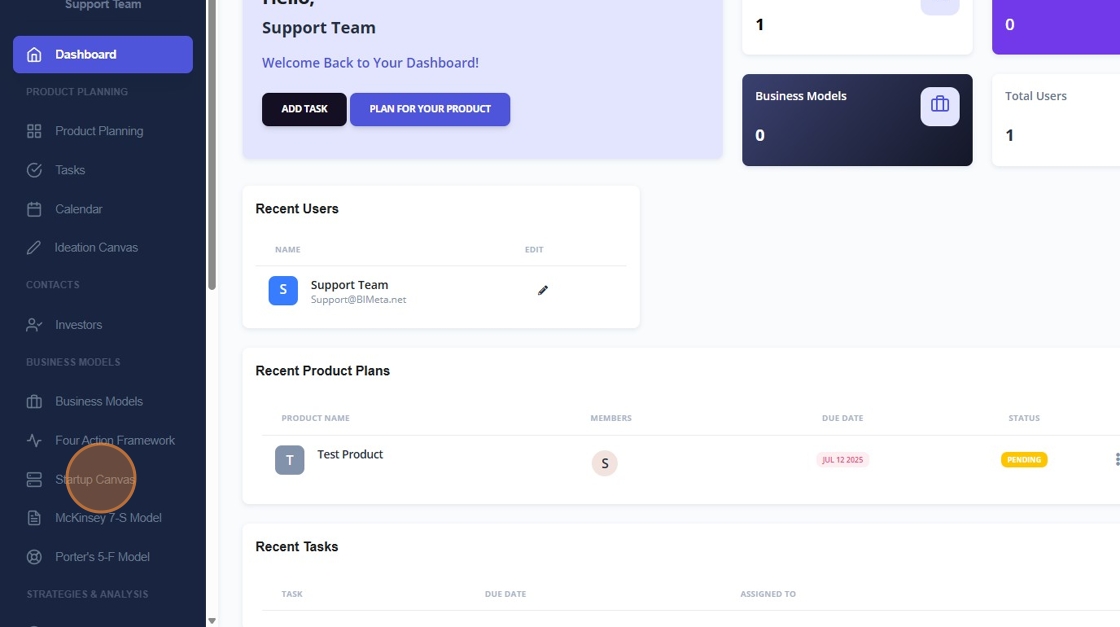
2. If you like a startup canvas where you can identify issues and problems and solutions, click on startup canvas.
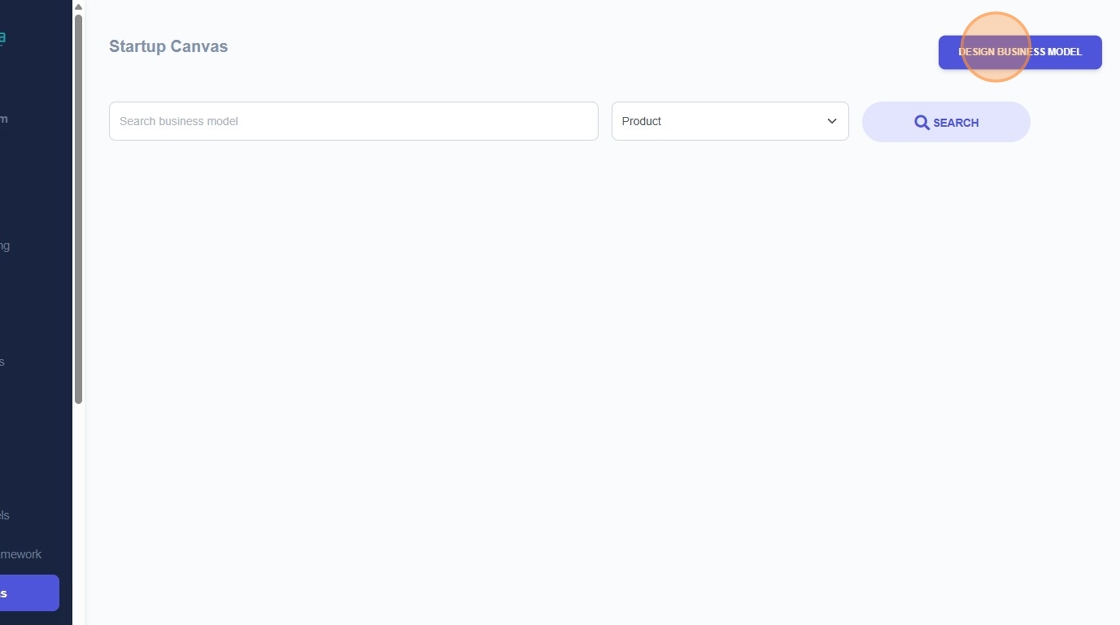
3. Click "Design Business Model"
4. You will need to enter in a business/company name.
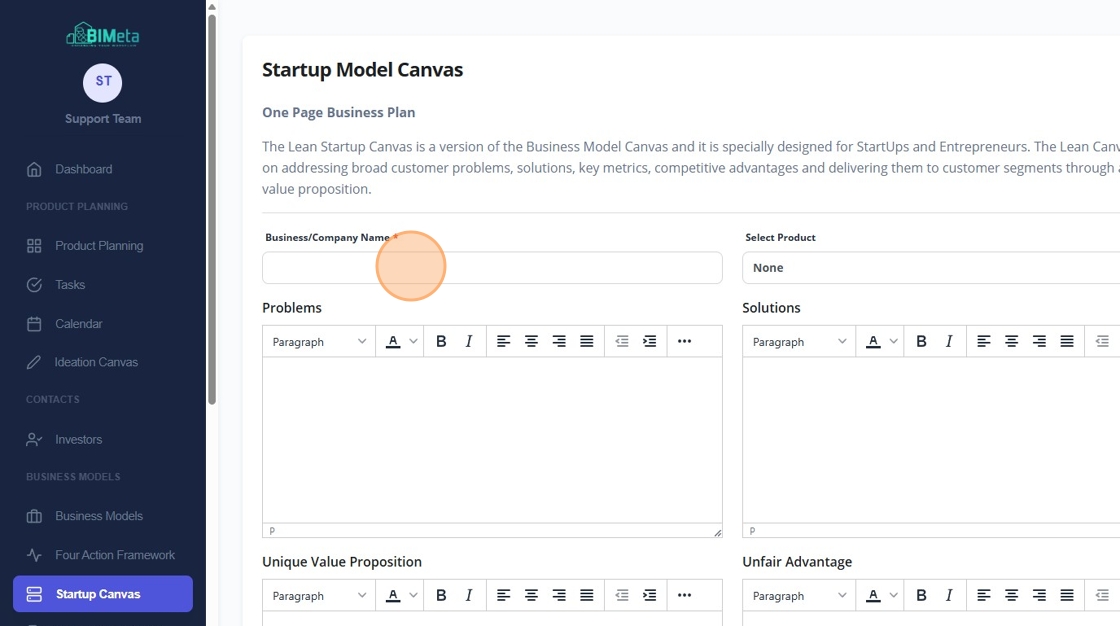
5. You can also select a product and write in a solution to how your product solves that issue.
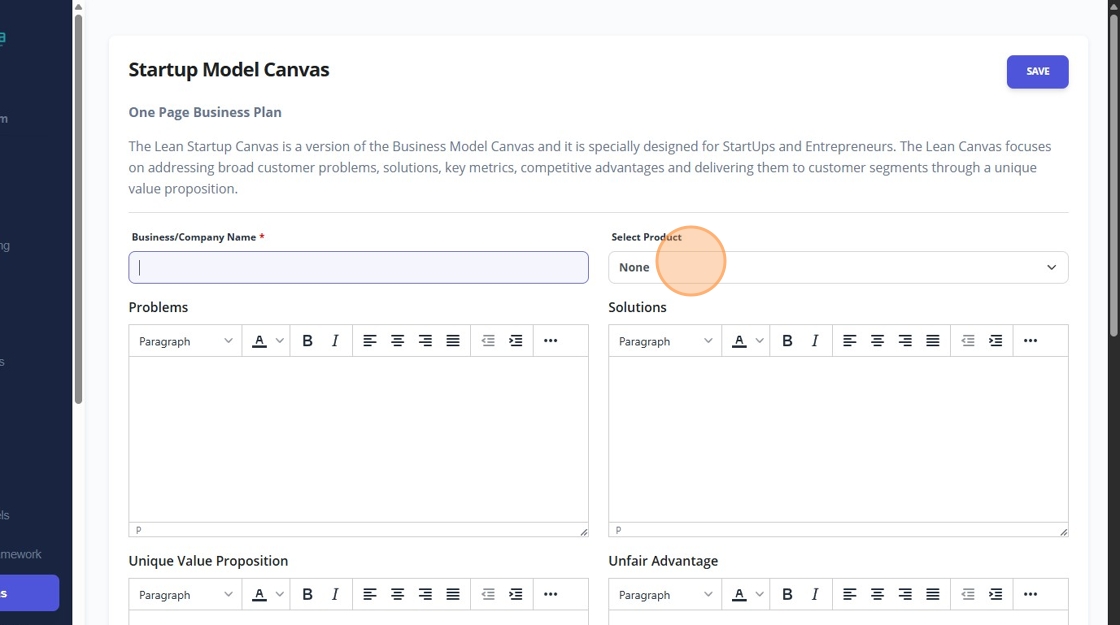
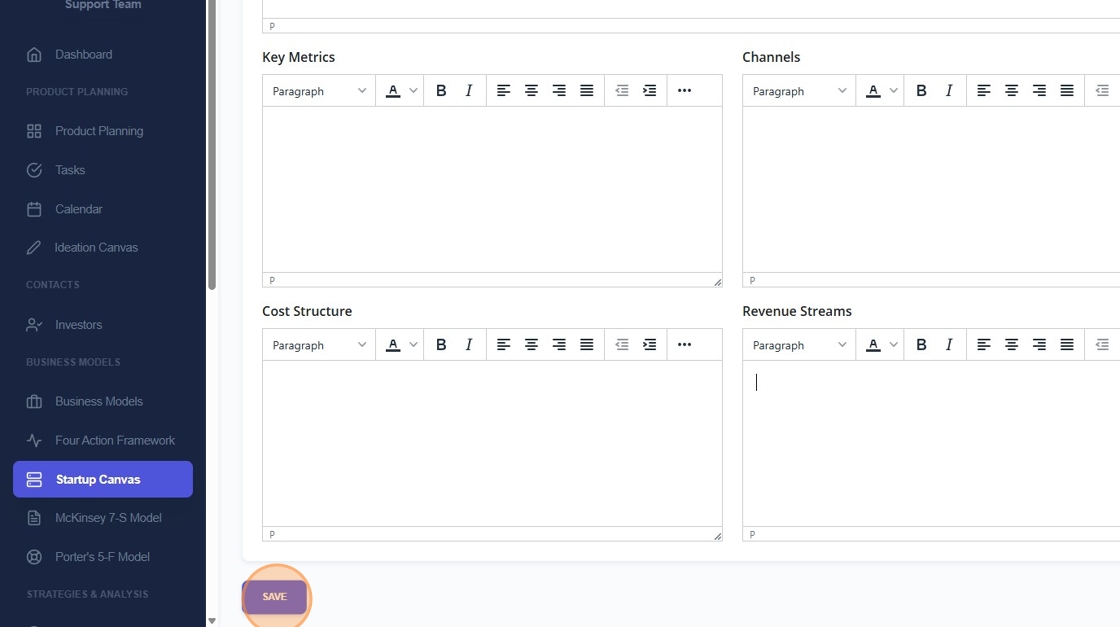
6. And finally enter in a unique value proposition, unfair advantage, Customer segments, Key metrics, Channels, Cost structure, revenue streams, and then click save.
Once you click save, your new One Page Business Plan will be created.
Was this article helpful?
Share