



Create a New Product Plan
36 views · updated 1 day ago
1. Navigate to https://startup.bimeta.net/dashboard
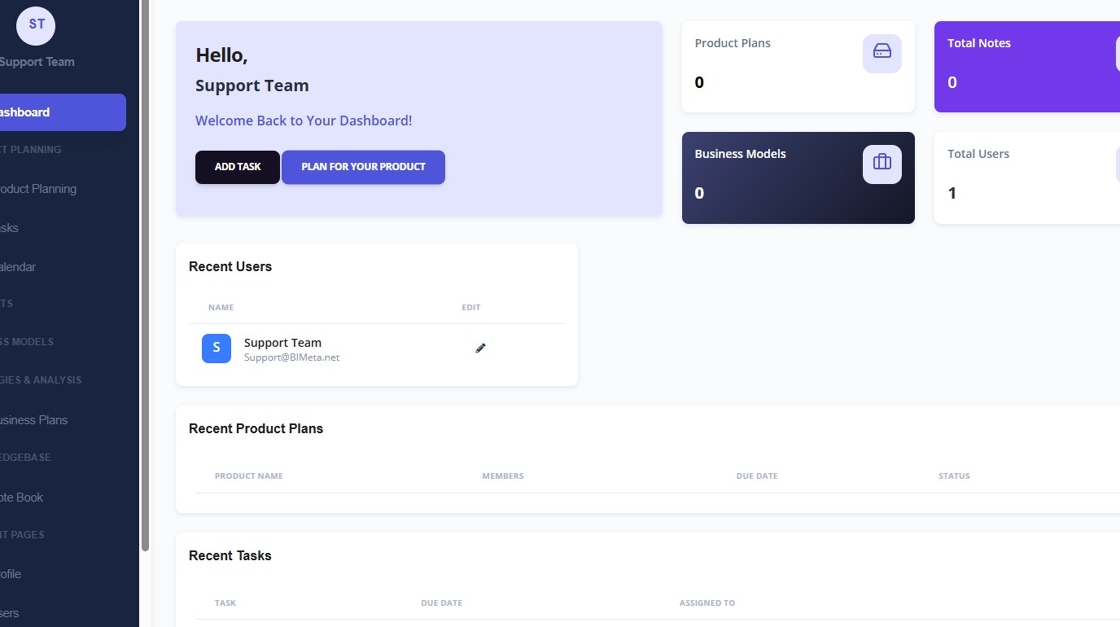
2. Click "Plan for your Product"
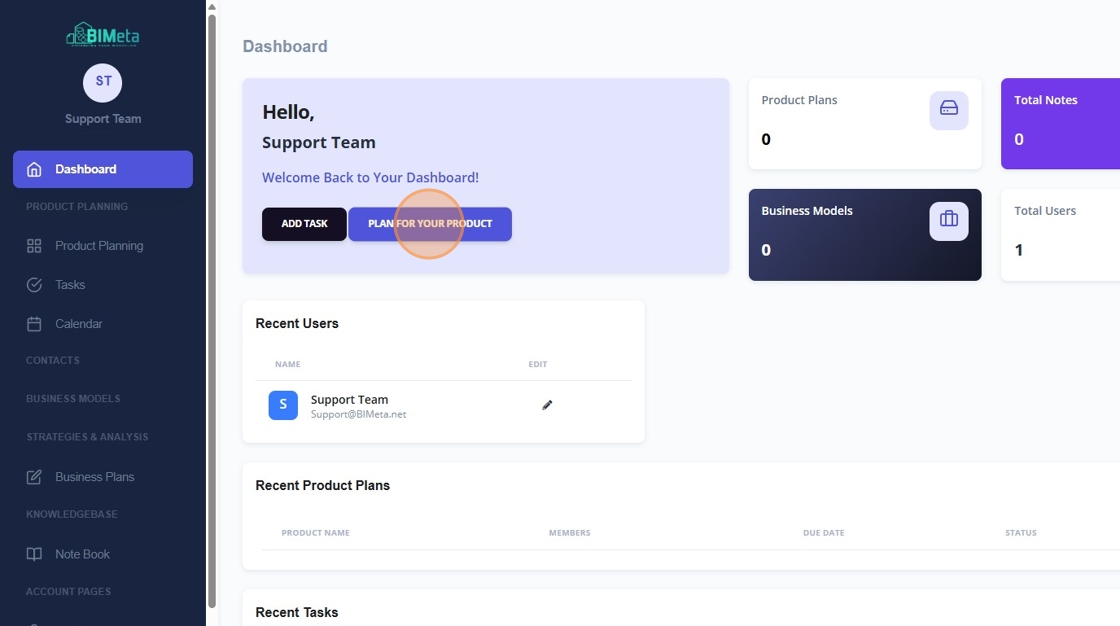
3. Click the "Product Name" field.
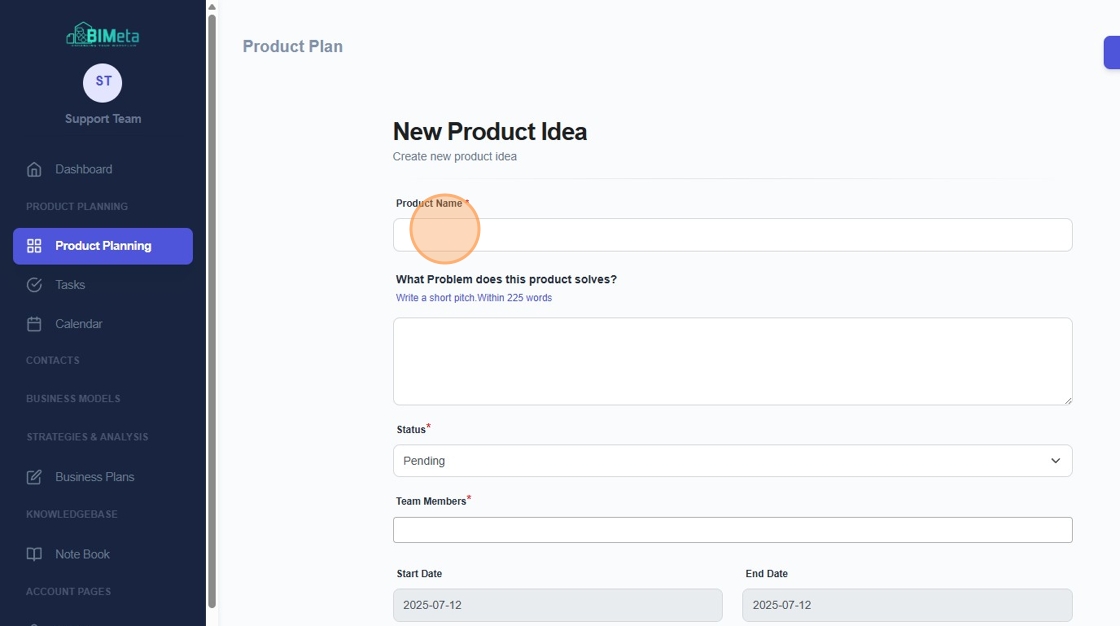
4. Enter In What Problem does this product solves?
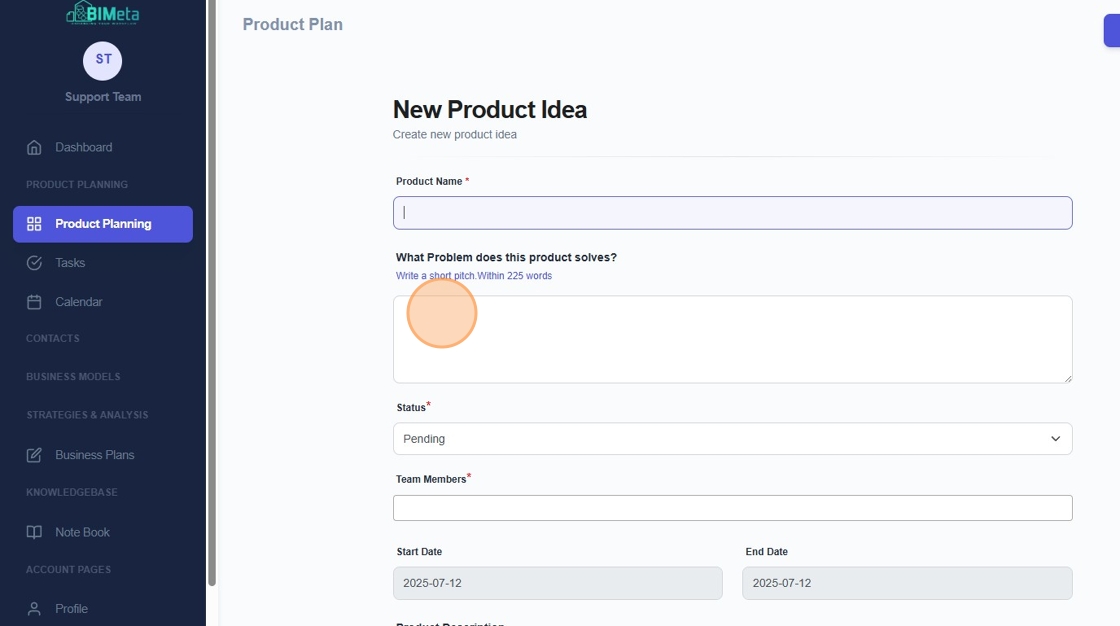
5. Click this dropdown for Status.
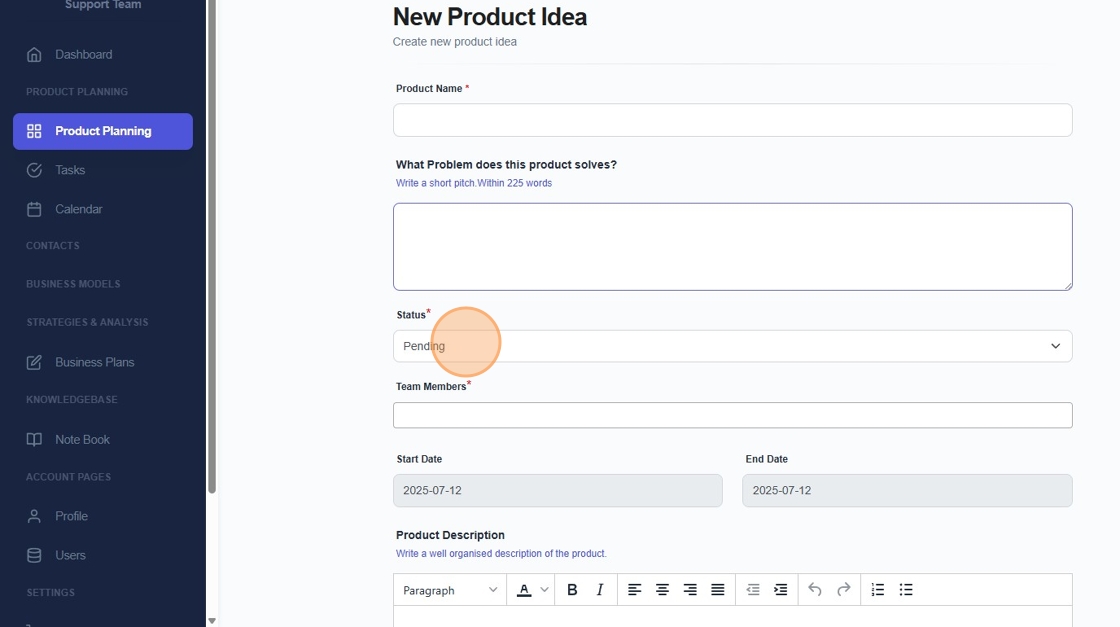
6. Click here to add new team members.
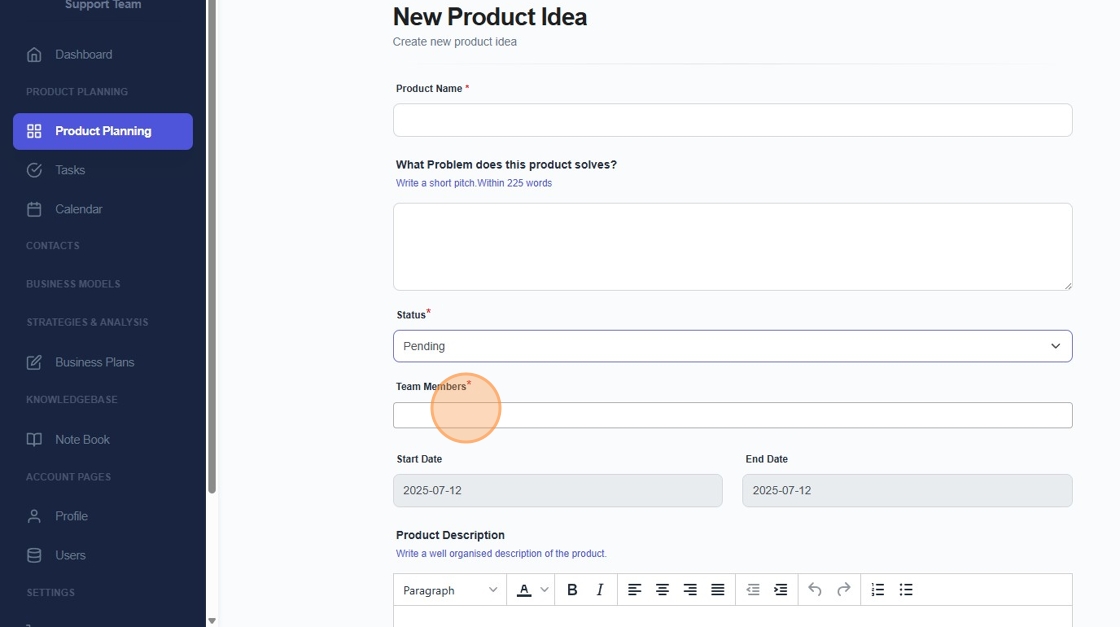
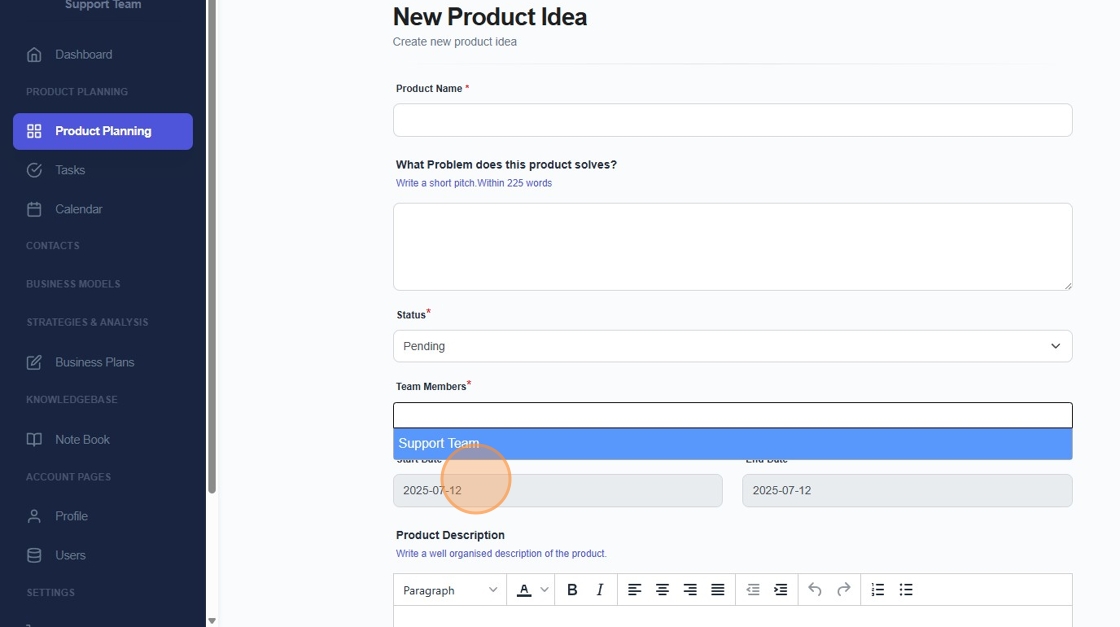
7. Select your team members in your account.
8. Select a start date.
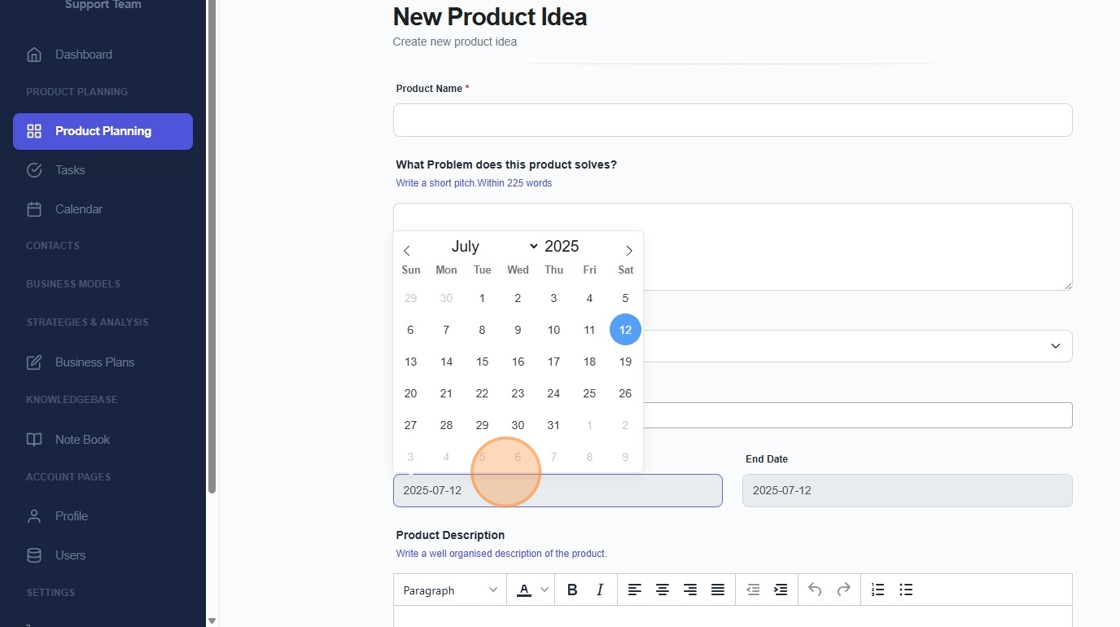
9. Select a finish date.
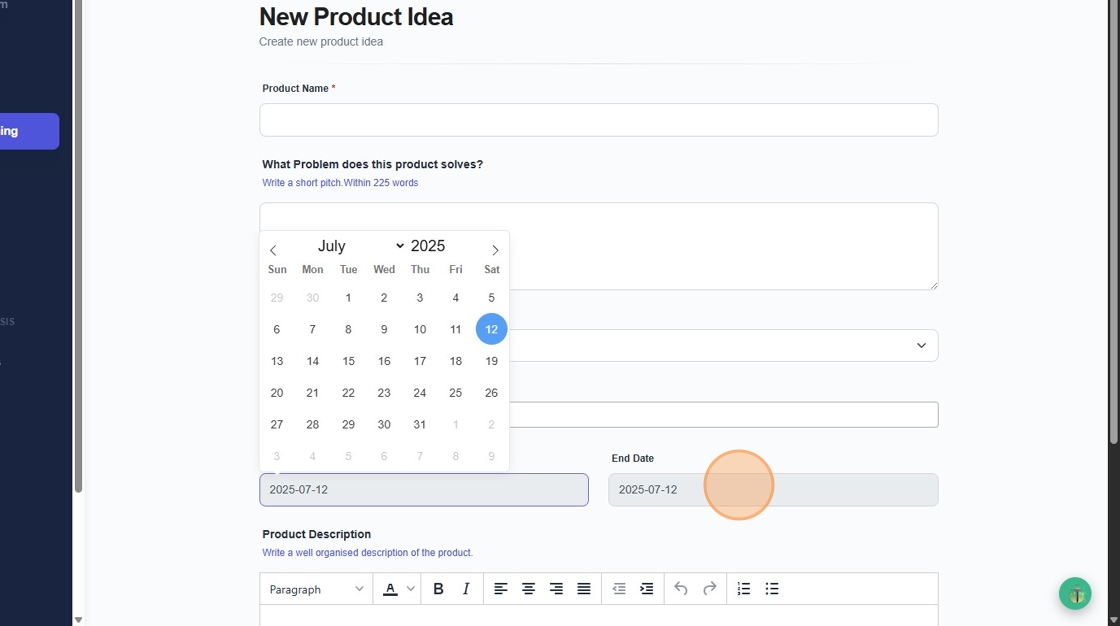
10. And click into the Product Description to add what the Product Idea you have is.
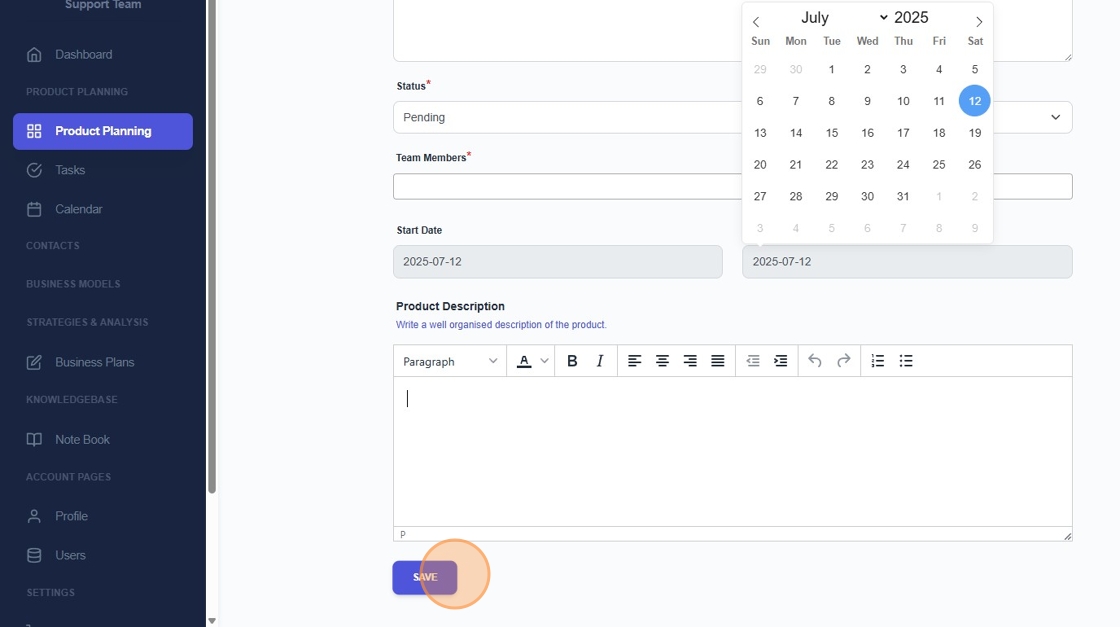
11. Finally, Click "Save"
Was this article helpful?
Share