



9: My Jobs
36 views · updated 14 hours ago

Navigate job opportunities
seamlessly with the "My Jobs" module on BIMeta using
this simple guide:
1. Locate
'My Jobs':
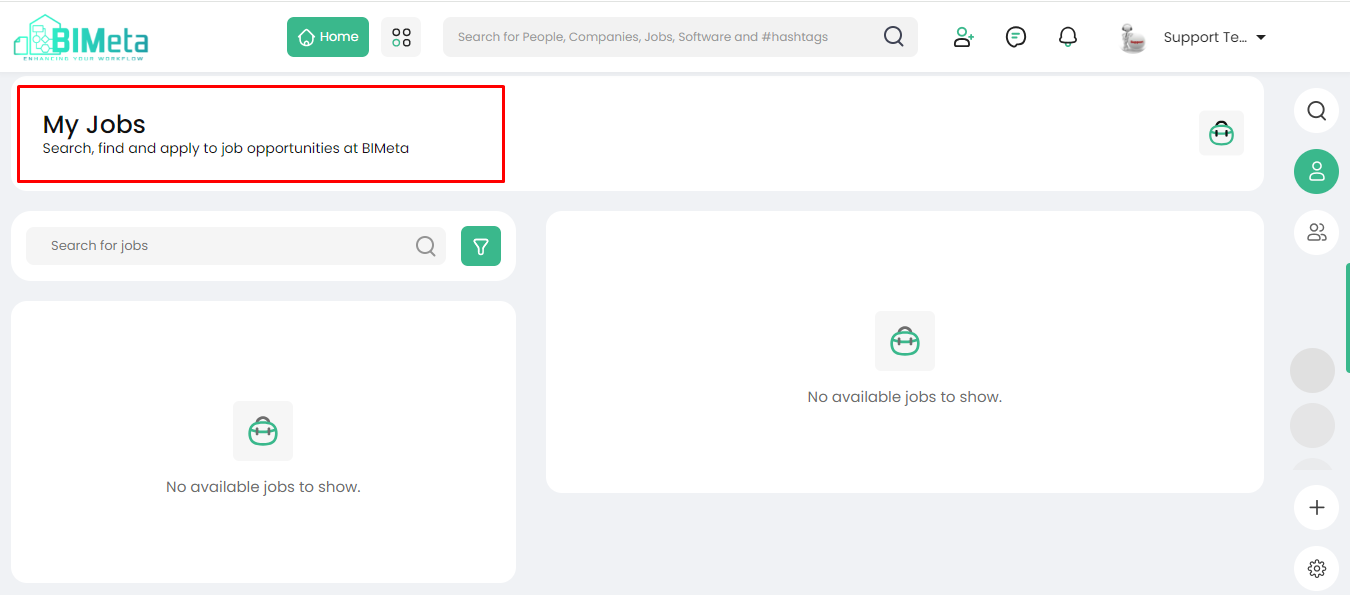
- On the left side of the site, find and click on the 'My Jobs' module.
2. Explore My Jobs Page:
· Clicking
opens the My Jobs page where you can:
- Search for Jobs: Look for specific job
opportunities.
- Find Jobs: Discover a variety of
job listings.
- Apply for Jobs: Take the next step in
your career journey.
3. Utilize Job Search:
- Search for a specific job by using the search function on this page.
Now, search, find, and apply for jobs effortlessly on BIMeta!
Was this article helpful?
Share