



4: My Tasks
45 views · updated 7 hours ago

Keep your tasks organized
with the "My Task" module on BI Meta using this simple guide:
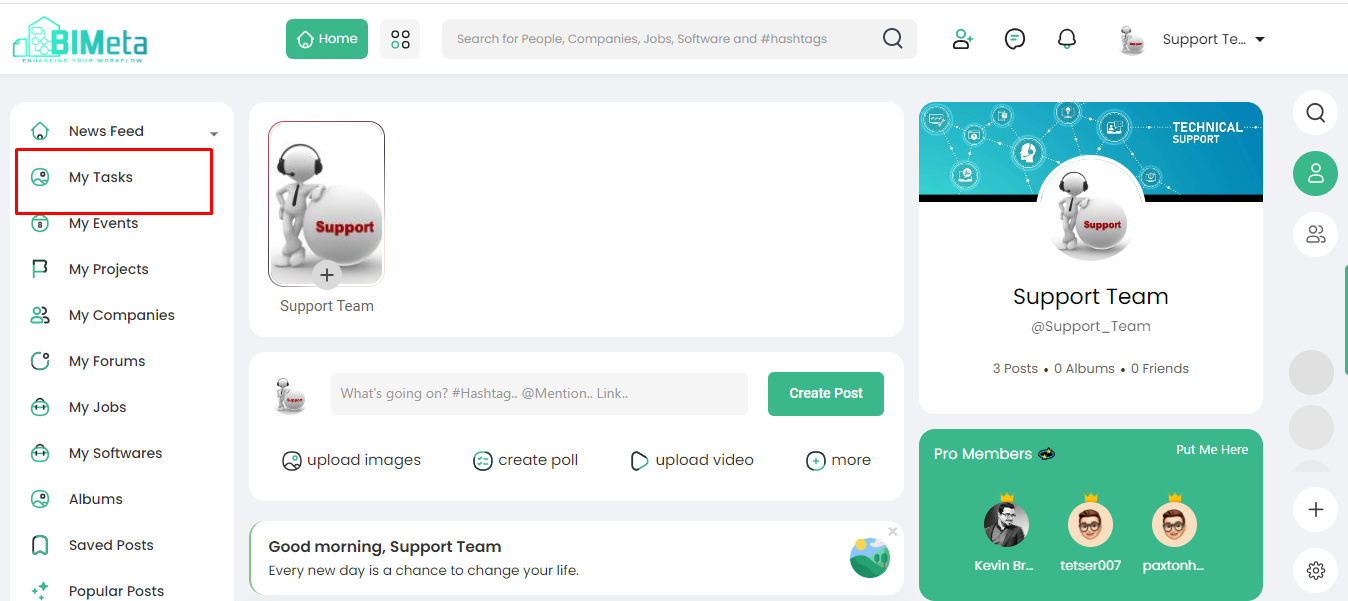
1. Locate
'My Task':
- On the left side of BIMeta, find and click on the 'My Tasks' module.
2. View
Assigned Tasks:
- Instantly see tasks related to you, all neatly organized and assigned specifically to you.
3. Task
Roles Overview:
- Understand the roles crucial for project progress, representing the steps from conception to action.
4. Task
Roles Defined:
- These roles are essential for moving a project forward step-by-step, ensuring each phase is well-managed.
Stay on top of your assigned tasks and project roles with ease on BIMeta!
Was this article helpful?
Share