



23: Setting Icon
40 views · updated 12 hours ago

Customize your experience
effortlessly using the "Settings" icon on BIMeta with this simple
guide:
1. Locate
'Settings Icon':
- On the right bottom of the site, find and click on the 'Settings' icon.
2. Explore
Settings Options:
·
Clicking
opens three options:
· 'Online':
Displays your online
status.
· 'Offline': Indicates your offline
status.
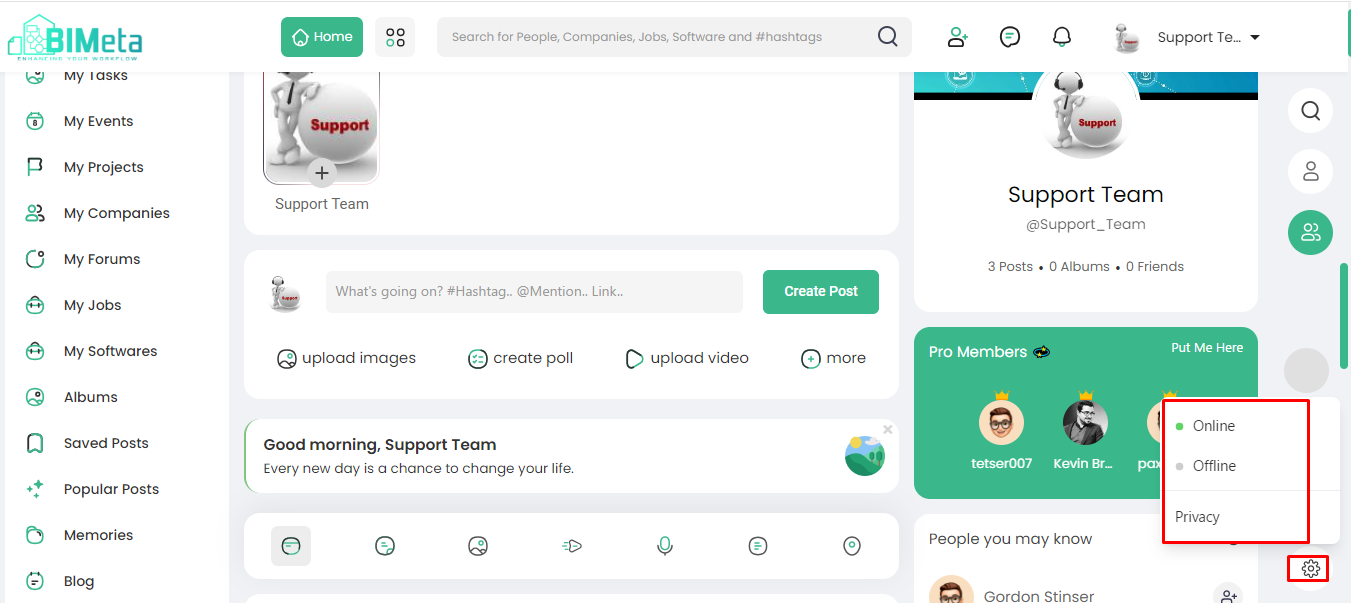
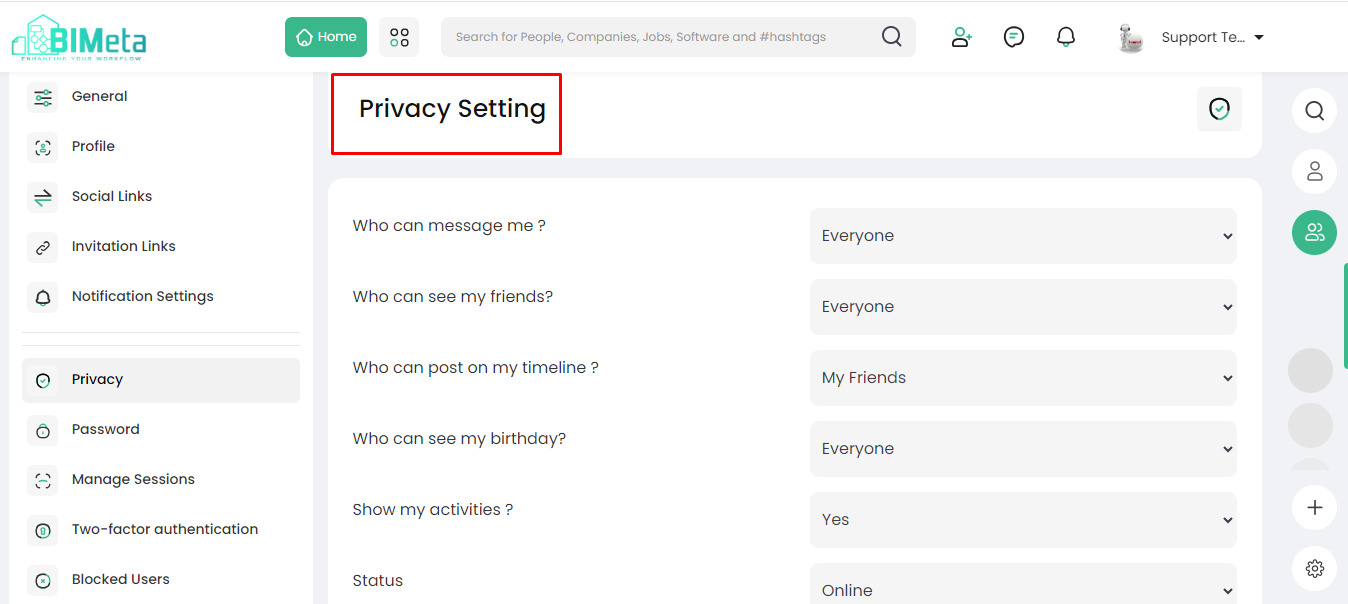
· 'Privacy':
Adjust privacy settings
as per your preferences.
Now, manage your online
status and privacy settings with ease on BIMeta!
Was this article helpful?
Share