



21: LiveSmart Video
43 views · updated 6 hours ago

Connect through live video
seamlessly with the "LiveSmart Video" module on BIMeta using this
simple guide:
1. Locate
'LiveSmart Video':
- On the left side of the site, find and click on the 'LiveSmart Video' module.
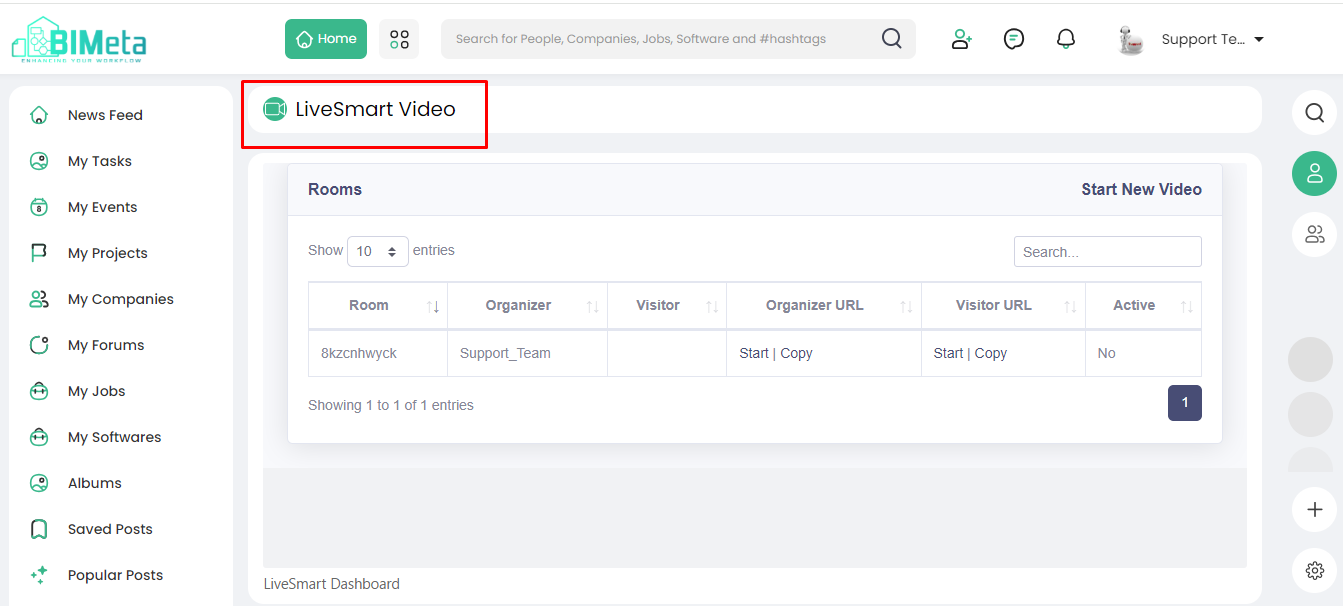
2. Explore LiveSmart Video Page:
·
Clicking
opens the 'LiveSmart Video' page, revealing:
· Room:
Your virtual meeting
space.
· Organizer:
Details about the
meeting organizer.
· Visitors:
Information about
attendees.
· Organizer
URL and Visitors URL:
Links
for easy access.
· Active
Status: Indicates
the meeting's status.
3. Start New Video:
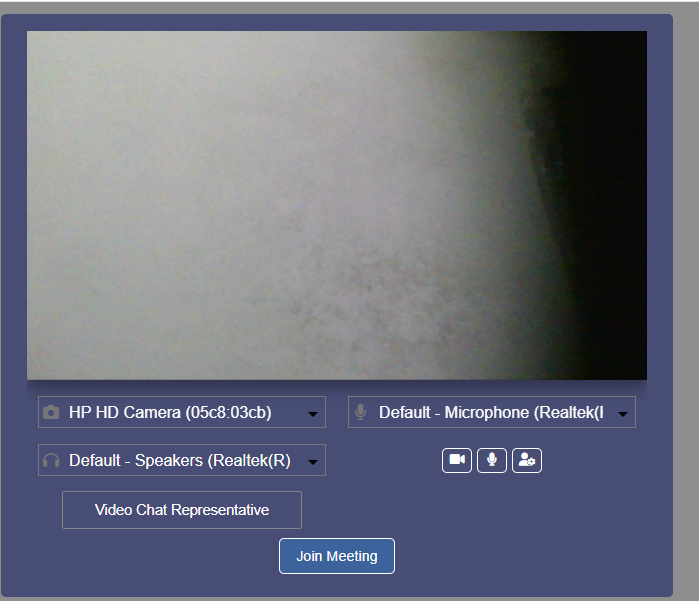
- Click on the 'Start New Video' button to initiate a live video meeting.
Now, seamlessly join and host
live video meetings on BIMeta LiveSmart Video feature!
Was this article helpful?
Share