



2.6.8: Log Out
35 views · updated 12 hours ago

Safely log out and sign back
into BIMeta with this straightforward guide:
1. Profile
Section:
- Head to your profile section for personalized options.
2. Click "Log Out":
- In the drop-down, find and click on "Log Out." A popup opens.
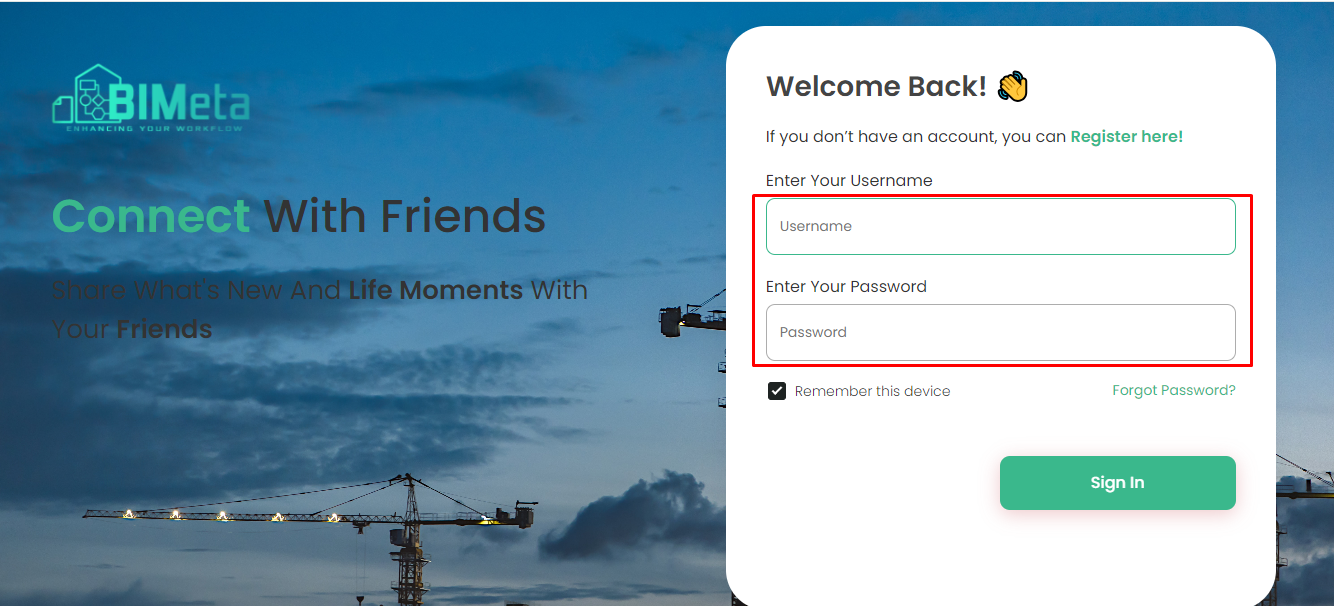
3. Log In Page:
· You'll
land on the login page. Enter your:
- Username
- Password
4. Click "Sign In":
- After providing your details, click the "Sign In" button to access your account.
5. Forgot Password:
- Forgot your password? No worries! Use the "Forgot Password" functionality to reset it.
Now you're ready to log in
and continue your BIMeta journey securely!
Was this article helpful?
Share