



2.6.7: Keyboard Shortcut
36 views · updated 12 hours ago

Enhance your BIMeta browsing
experience with keyboard shortcuts using this simple guide.
1. Profile
Section:
- Navigate to your profile section for personalized options.
2. Click "Keyboard Shortcut":
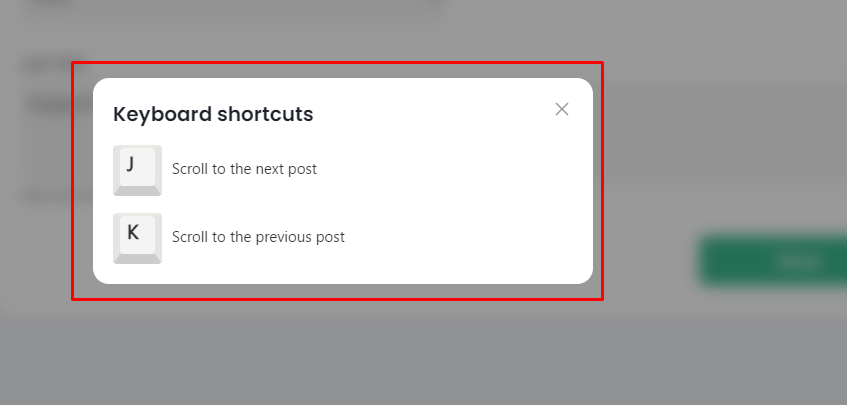
- In the drop-down, find and click on "Keyboard Shortcut." A new popup appears.
3. Explore Shortcuts:
· The
pop-up showcases two sections:
- Scroll to the Next Post: Use a shortcut to move
forward.
- Scroll to the Previous Post: Quickly navigate
backward.
4. Navigate with Ease:
- Memorize these shortcuts for seamless browsing on BIMeta.
With keyboard shortcuts, scrolling through posts becomes a breeze.
Was this article helpful?
Share