



2.6.3: Advertising
30 views · updated 14 hours ago

Boost your visibility with
advertising on BIMeta using this simple guide:
1. Profile
Section:
- Head to your profile section for personalized options.
2. Click "Advertising":
- In the drop-down, find and click on "Advertising." A new page unfolds.
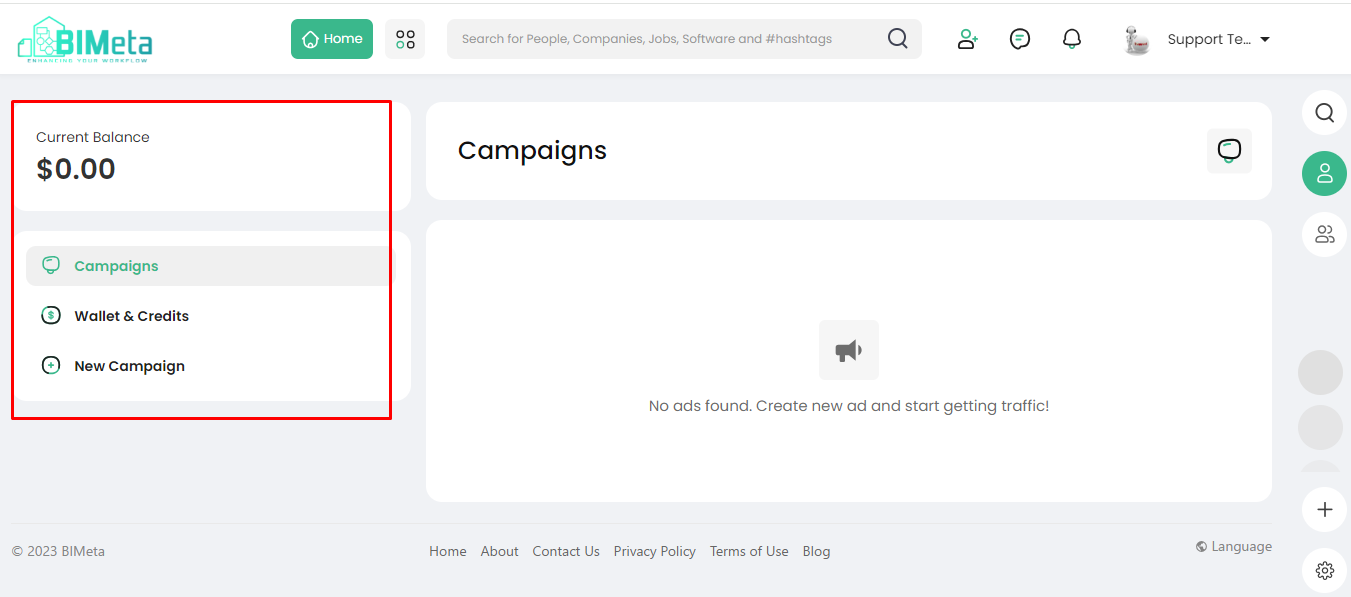
3. Explore Advertising Dashboard:
· On
the left side, discover:
- Current Balance: Keep track of your
advertising funds.
- Campaign: Monitor your ongoing
campaigns.
- Wallet & Credit: Check your advertising
wallet and credit details.
- New Campaign: Ready to start a new
campaign? Use this option.
- Advertise with Ease:
- Use this section for all your advertising needs. Whether it's tracking your current balance, managing campaigns, or starting a new one, BIMeta's got you covered.
Enhance your reach and impact by utilizing the Advertising section.
Was this article helpful?
Share