



2.5: Notification’s Button
27 views · updated 14 hours ago

Curious about your
notifications on BIMeta, here's a quick guide:
- Header Notifications Button:
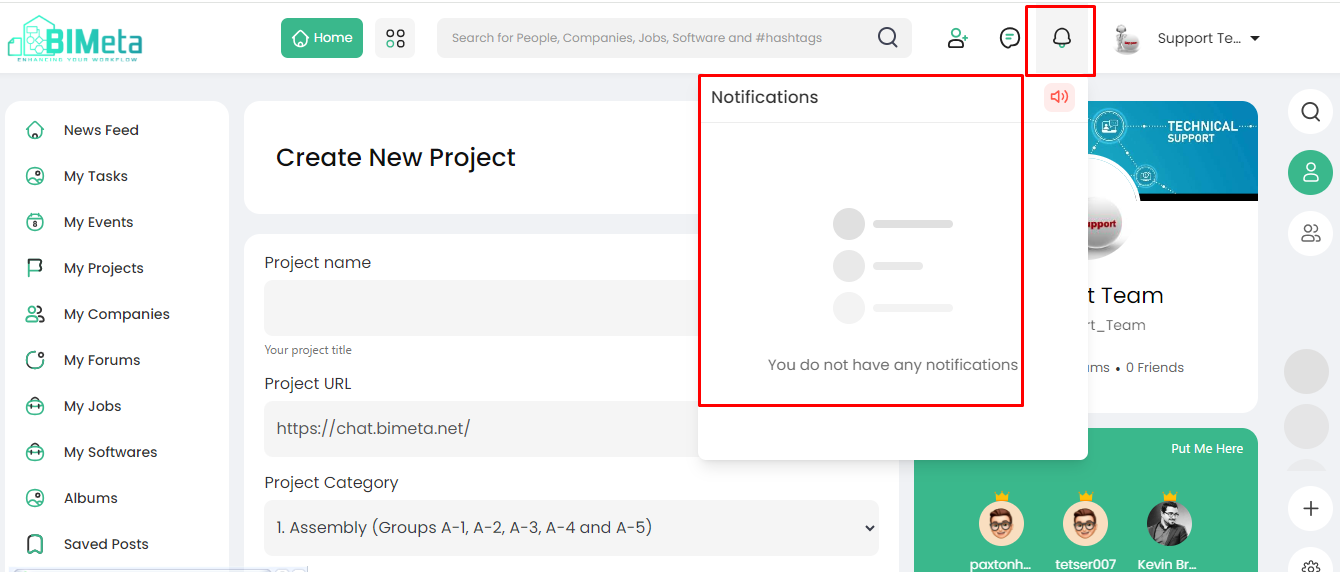
- Spot the "Notifications" button on the main header.
2. Click to Explore:
- Click on the "Notifications" button. A popup will appear with all your notifications.
3. Notifications Popup:
- The popup showcases all the notifications you've received, neatly displayed for your convenience.
4. Set Your Alert:
- Want to stay in the loop? Set up your notification alerts to get updates just the way you like.
The "Notifications"
button is your hub for staying informed on BIMeta. Stay connected, stay
notified!
Was this article helpful?
Share