



2.4: Messages Button
45 views · updated 6 hours ago

Wondering where your messages
are on BIMeta, here's a quick guide:
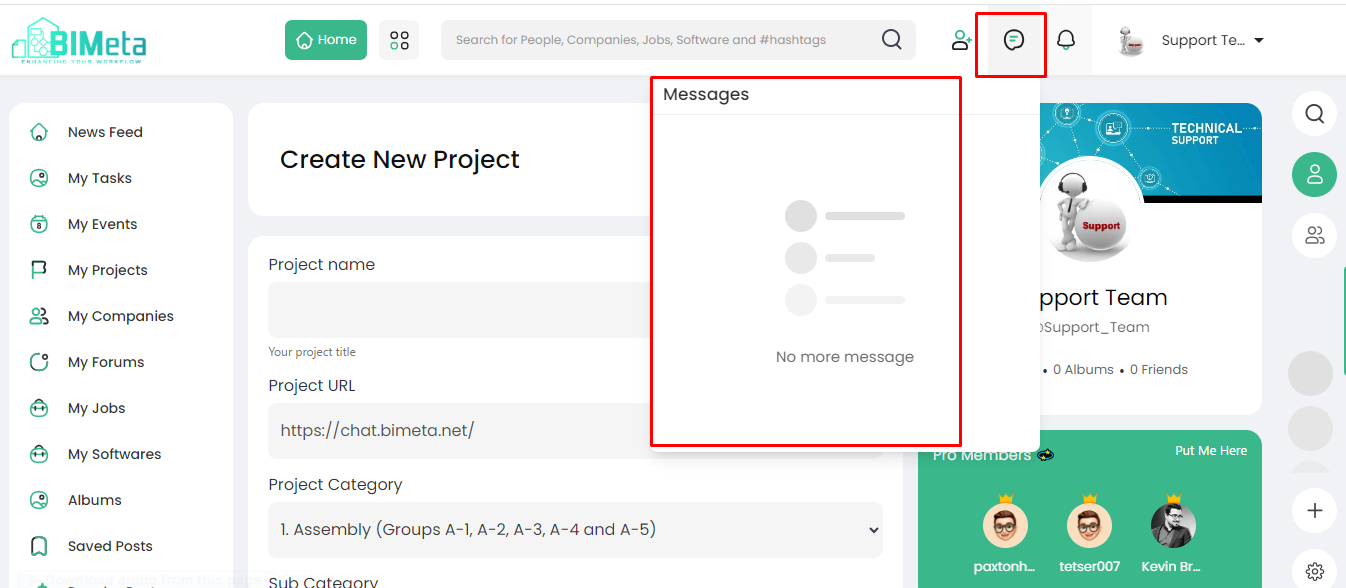
- Header Messages Button:
- Locate the "Messages" button on the main header.
2. Click
to Open:
- Give the "Messages" button a click. Watch the magic happen as a popup opens!
3. Messages
Popup:
- The popup reveals all the messages you've received, neatly organized for your convenience.
The "Messages"
button is your portal to all your received messages. Stay connected
effortlessly on BIMeta!
Was this article helpful?
Share