



14: Blog
35 views · updated 14 hours ago

Share your thoughts and
explore articles with the "Blog" module on BIMeta using this simple
guide:
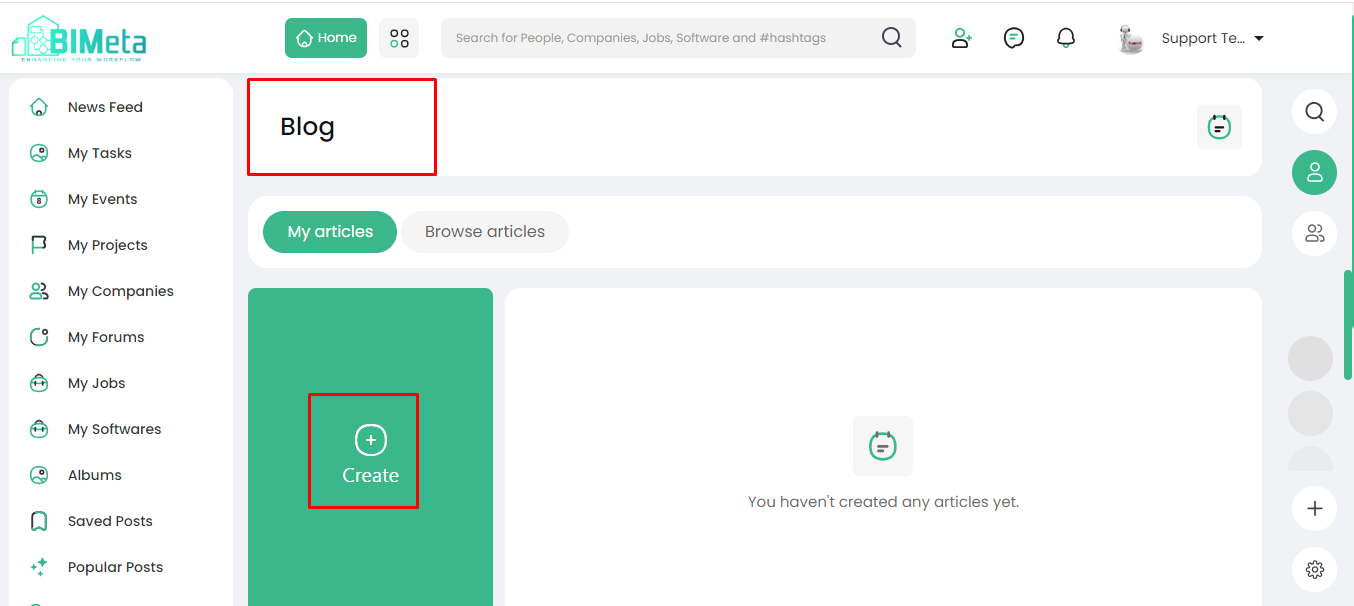
1. Locate
'Blog':
- On the left side of the site, find and click on the 'Blog' module.
2. Explore Blog Page:
·
Clicking
opens the 'Blog' page, displaying:
· Your
Shared Blogs:
Discover
all the blogs you've shared on BIMeta.
3. Create a New Blog:
- Click on the 'Create' button to craft and share your own blog.
4. Browse Articles:
- Explore articles by browsing through the module.
Now, express yourself and
dive into articles effortlessly with the Blog module!
Was this article helpful?
Share