



12: Popular Posts
30 views · updated 14 hours ago

Discover trending content
with the "Popular Posts" module on BIMeta using this simple guide:
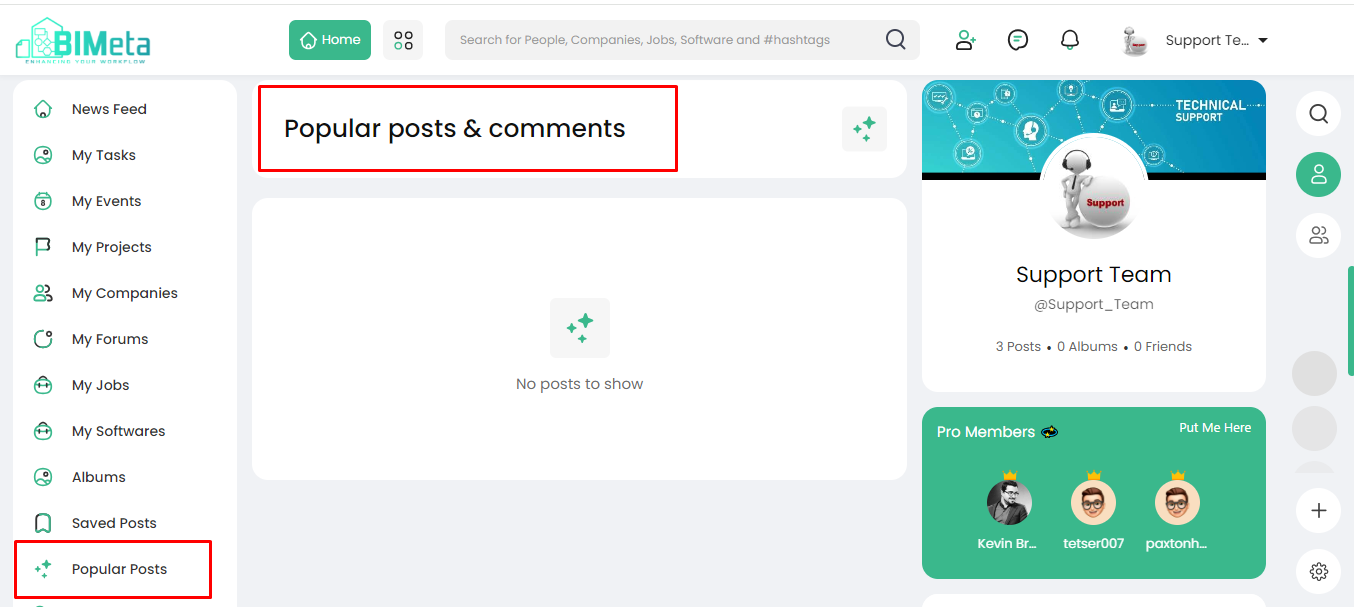
1. Locate
'Popular Posts':
- On the left side of the site, find and click on the 'Popular Posts' module.
2. Explore Popular Posts Page:
·
Clicking
opens the 'Popular Posts' page, showcasing:
· Trending
Content:
See
what's popular among the community.
· Comments:
Engage with discussions
on popular posts.
3. Scroll to Explore:
- Check out popular posts and read comments by scrolling through the page.
Stay in the loop with what's
trending on BIMeta!
Was this article helpful?
Share